



ODOO'S FUNCTION
In Odoo, stock moves can be validated even when the company does not have sufficient stock on hand. This means that if you validate a stock move with a quantity greater than what is available in the inventory, Odoo allows it, resulting in a negative stock quantity. Negative stock is displayed in the inventory, representing a shortage or an unfulfilled quantity for that particular product. This flexibility allows for easy transaction processing but can lead to inventory inaccuracies if not carefully managed.
CLUEDOO'S FUNCTION
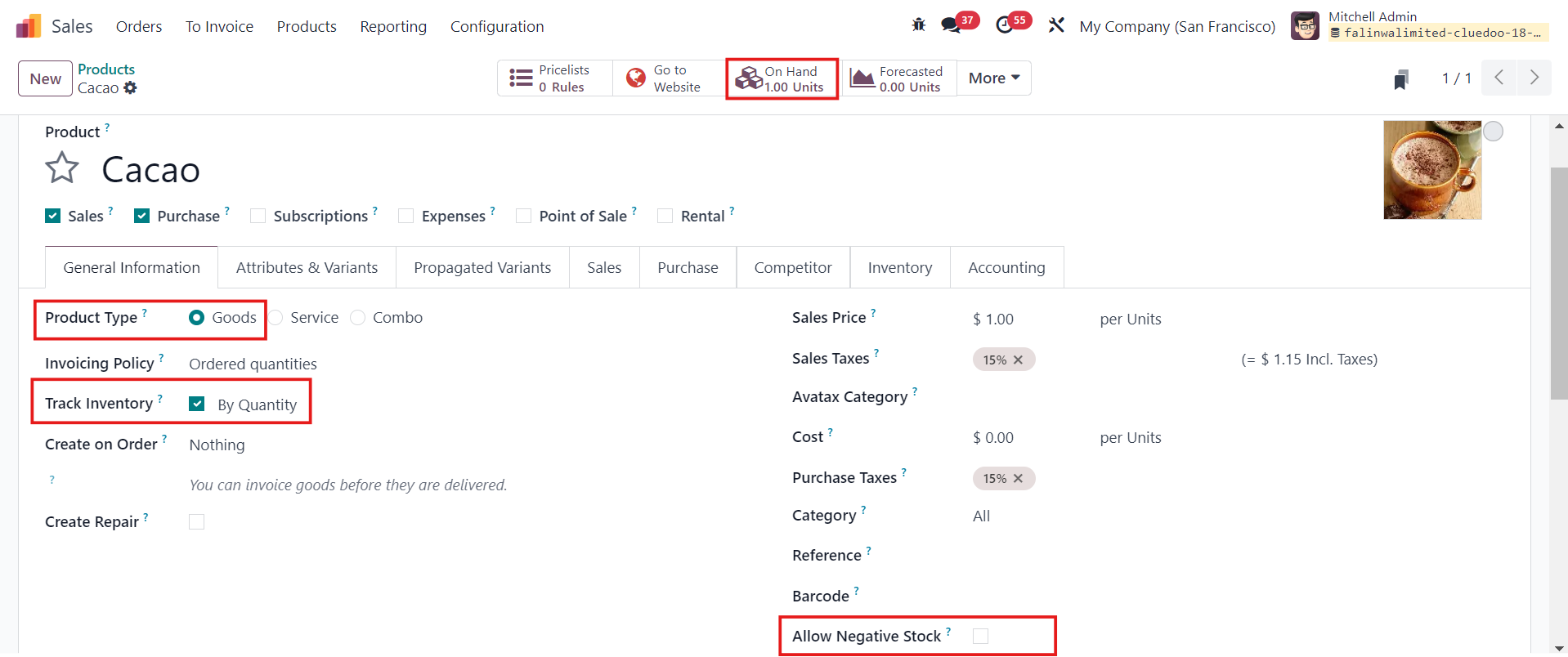
Cluedoo introduces a new feature with an "Allow Negative Stock" checkbox in Products/Product Categories/Locations. This checkbox gives you precise control over whether negative stock levels are permitted. When the checkbox is unchecked, the system blocks the validation of stock moves if there is insufficient stock, preventing the stock level from going negative. However, if the checkbox is checked, validation is allowed regardless of the stock quantity, and the stock can become negative. This feature provides an extra layer of control, allowing businesses to prevent negative stock levels based on their specific inventory policies.
1.Go to Products/Product Categories/Locations > You will see a checkbox called Allow Negative Stock > Fill in the necessary information > Save
|  |
2. Go to Sales Orders > New > Select the product and make sure the Quantity demanded is greater than the Quantity on hand > Confirm e.g. Quantity on hand: 1, Quantity demanded: 2 | 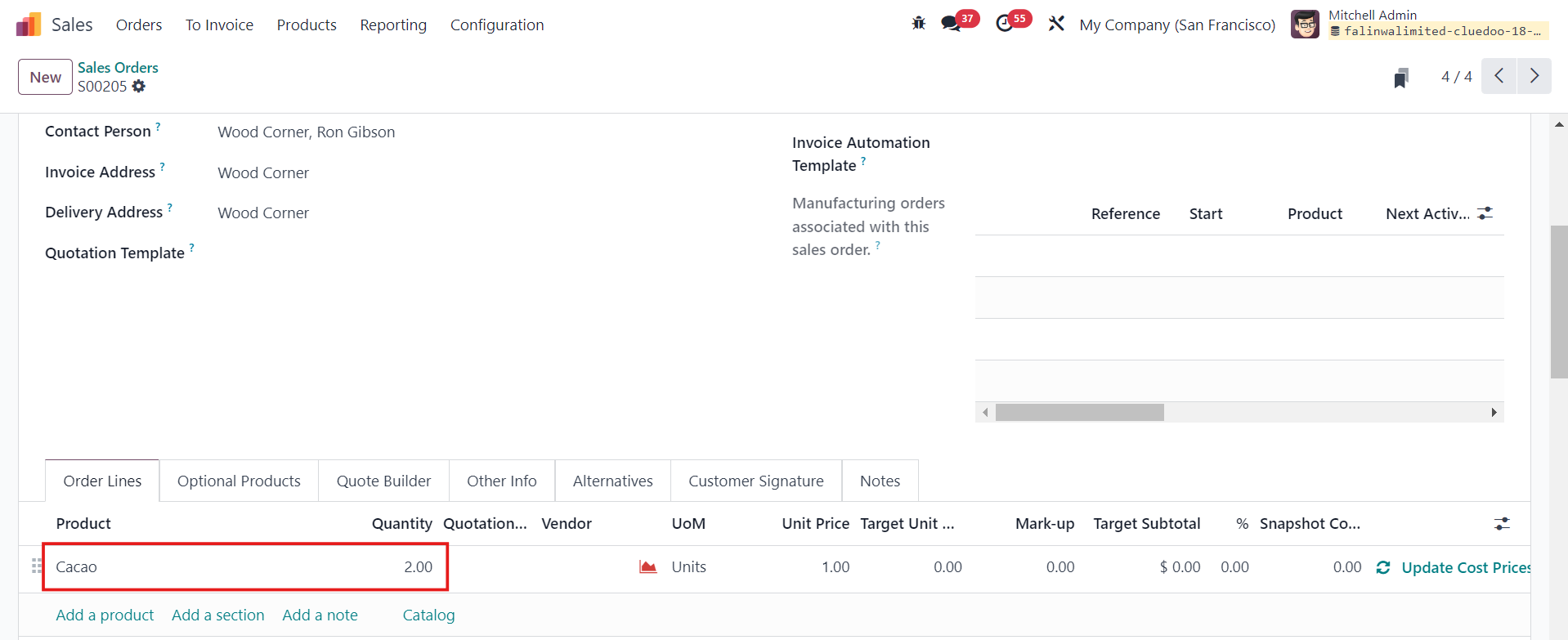 |
3. Head to Inventory > Delivery Orders > Manually change the Quantity as Odoo will set the Quantity as available (on hand) quantity > Validate If Allow Negative Stock is not checked, the validation of related stock moves will be blocked if the stock level becomes negative. If Allow Negative Stock is checked, the validation of related stock moves will not be blocked if the stock level becomes negative, and a Product Label will be automatically downloaded. | 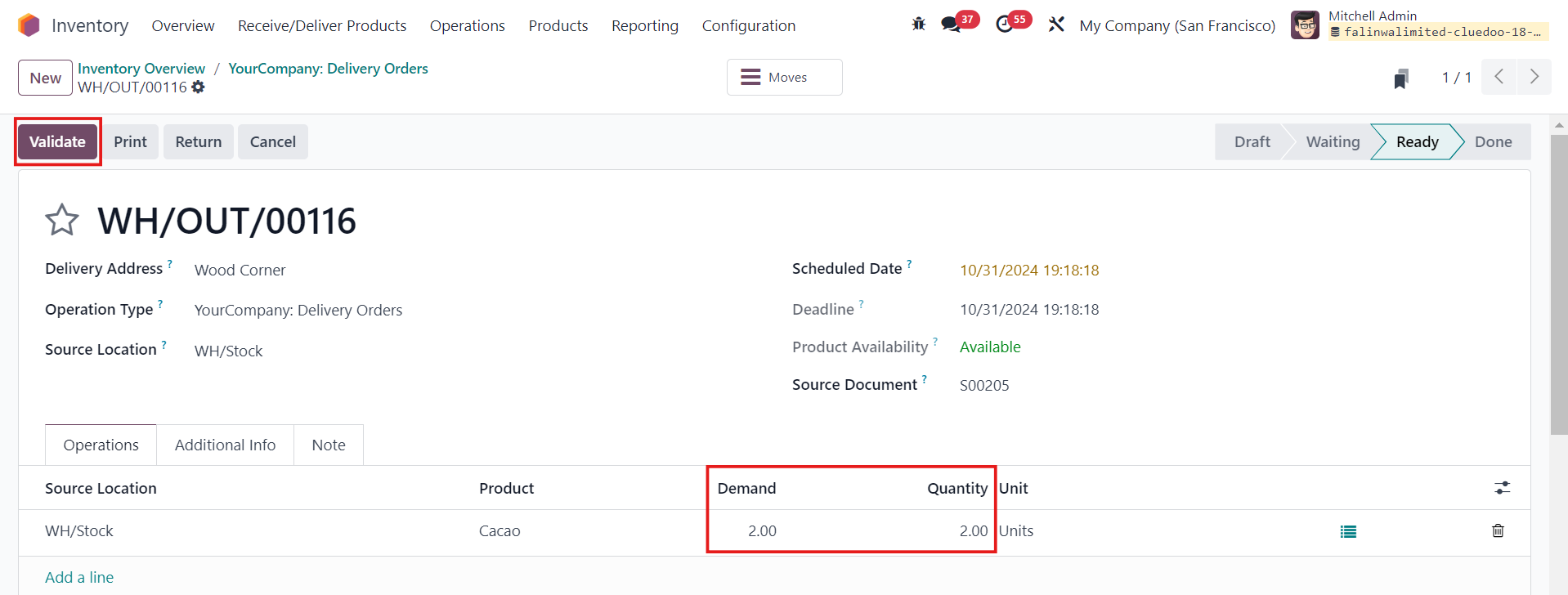  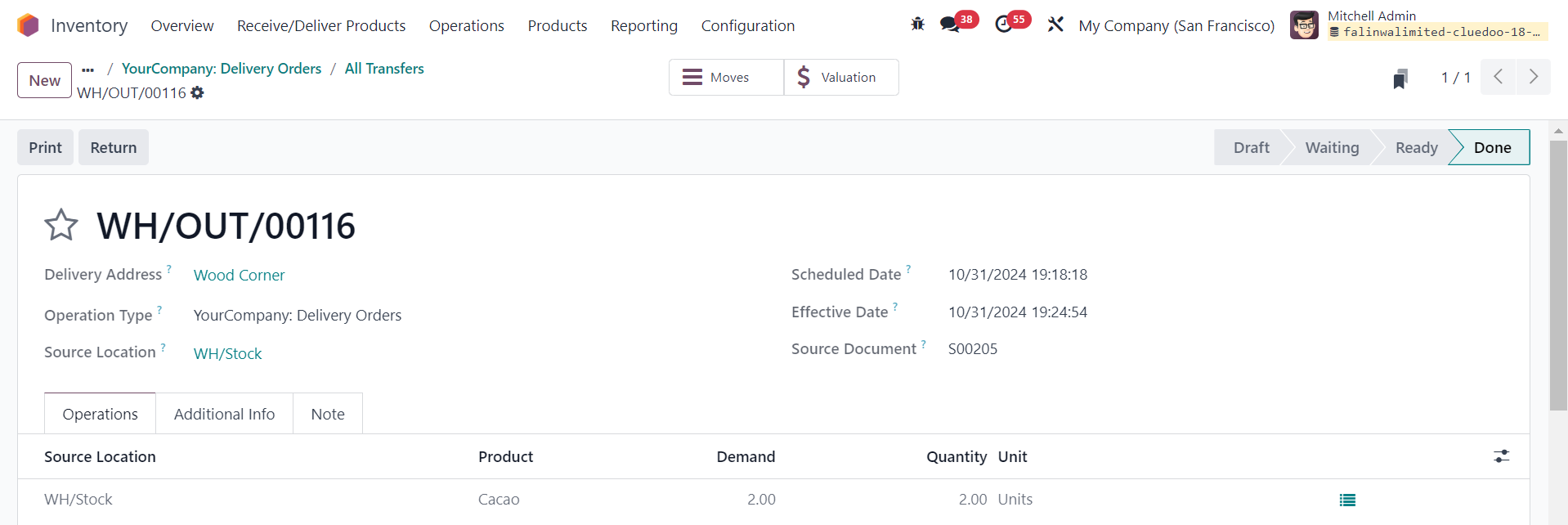 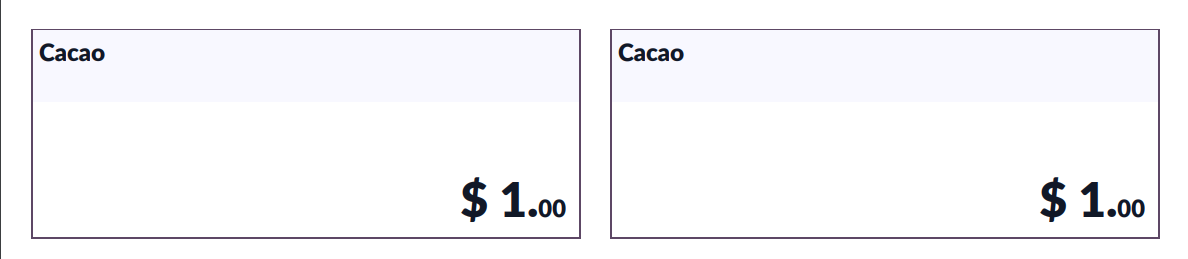 |
4. The same behavior happens if you create a Manufacturing Order (MO) with Component(s) that allows/does not allow negative stock | 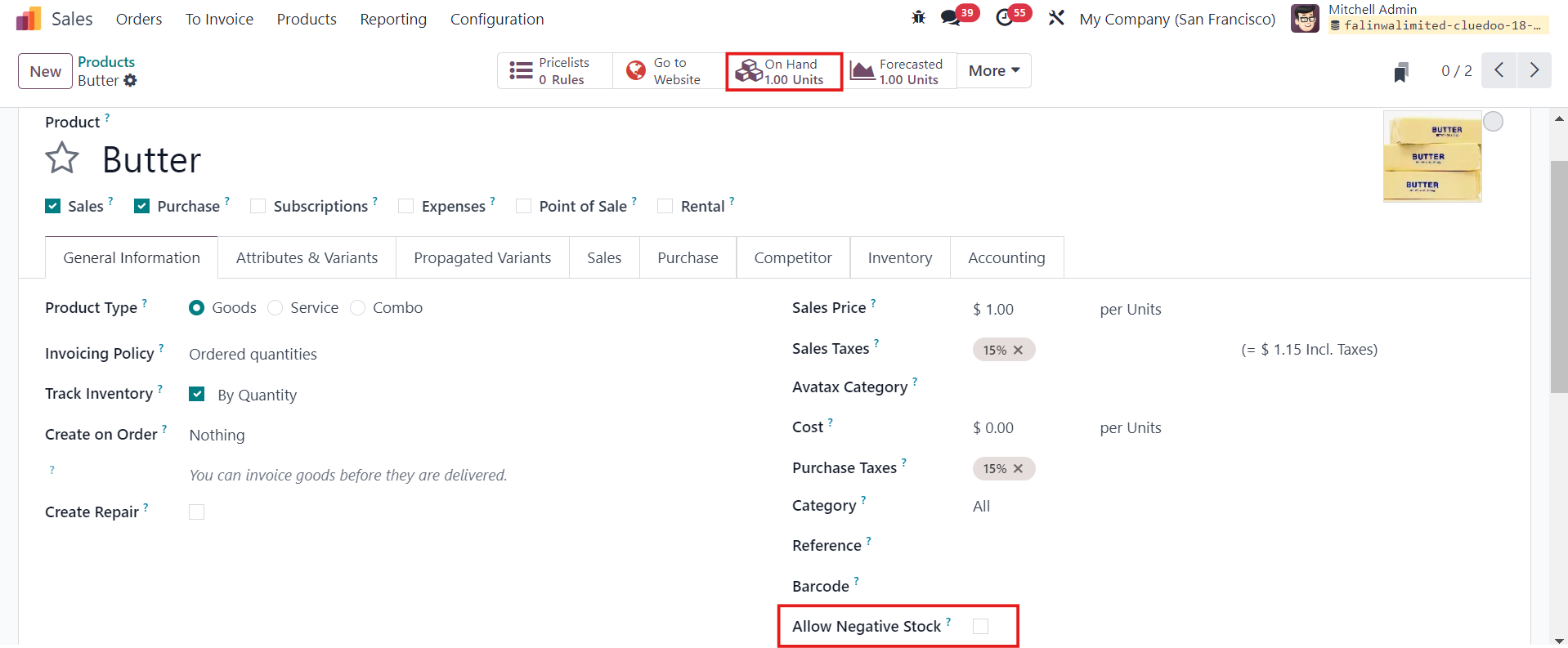 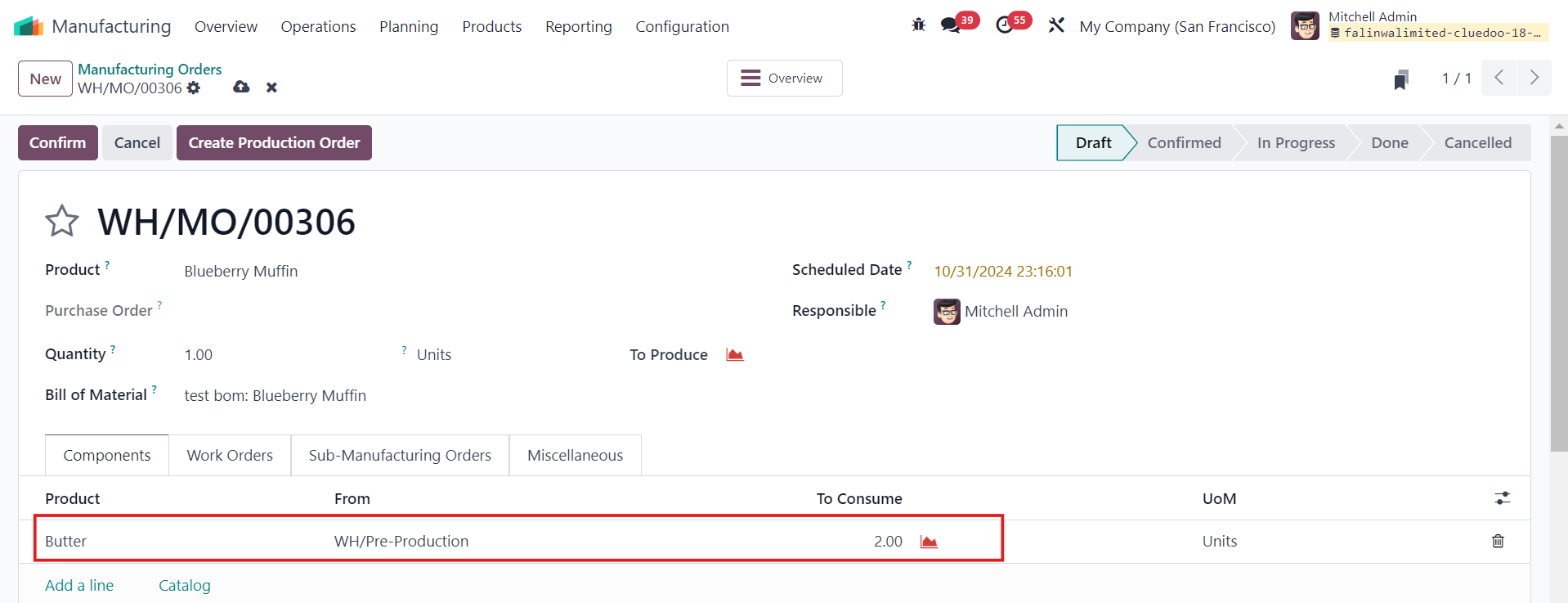  |
5. For Subcontracting, go to Manufacturing > Products > Bills of Materials > Select Subcontractors > Save Make sure the components have Resupply Subcontractor on Order as their Routes | 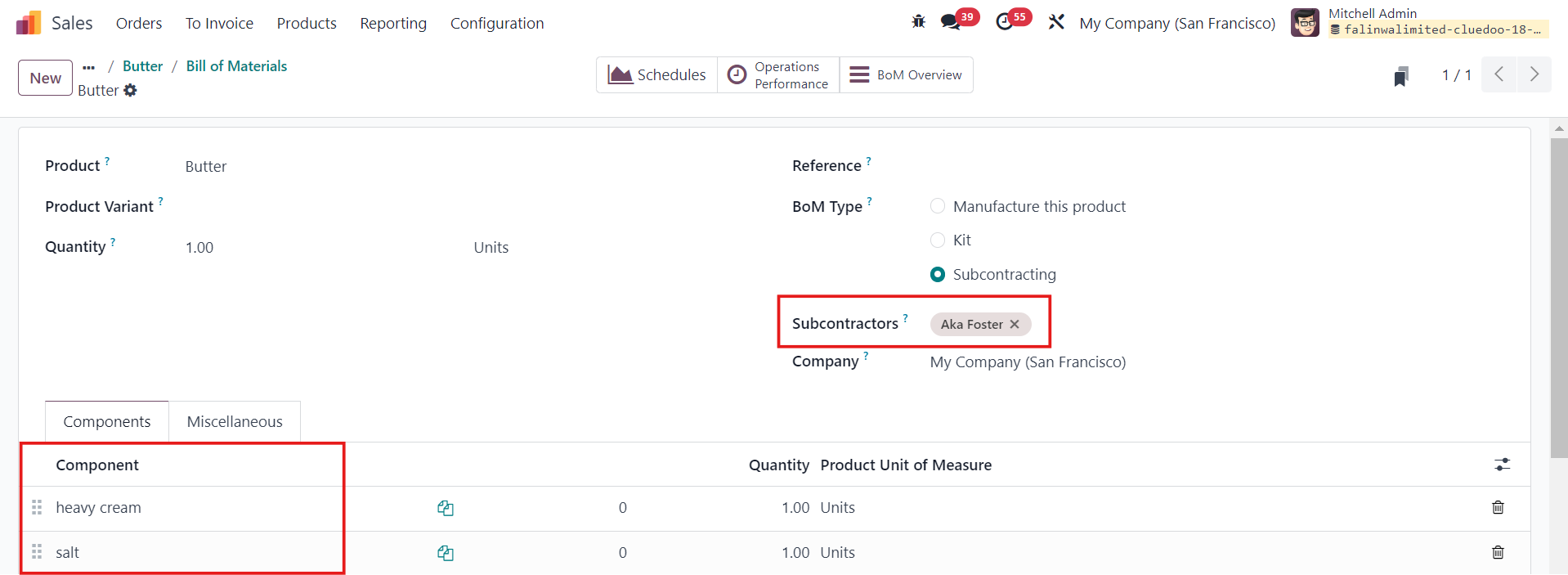 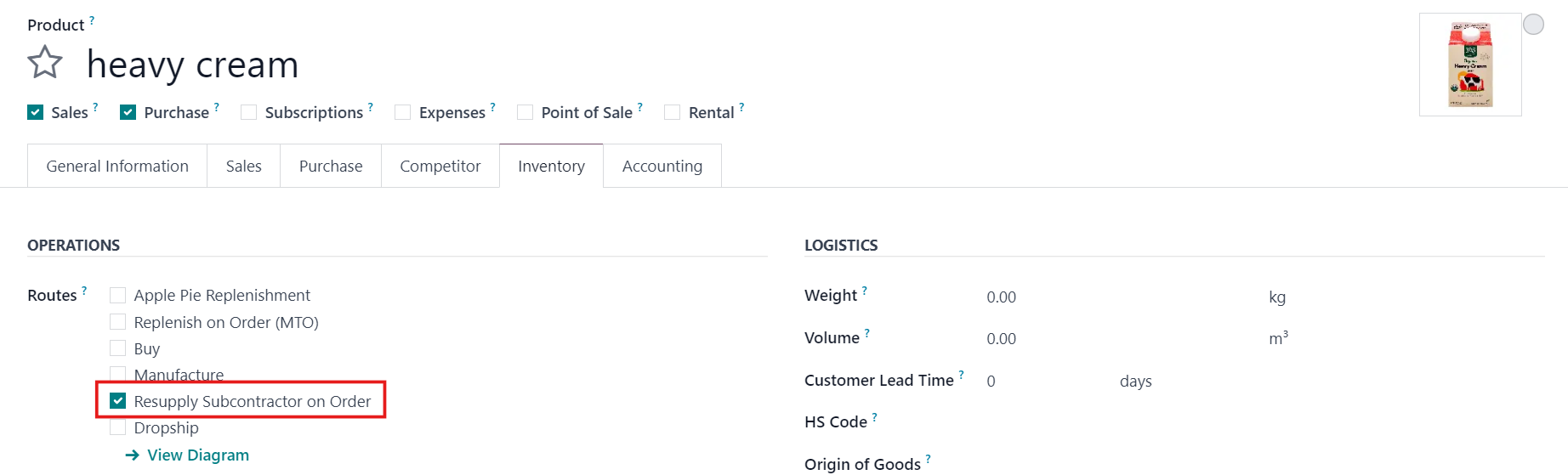 |
5.1 Purchase Orders > New > Select the product and make sure the Quantity demanded is greater than the Quantity on hand > Confirm Order | 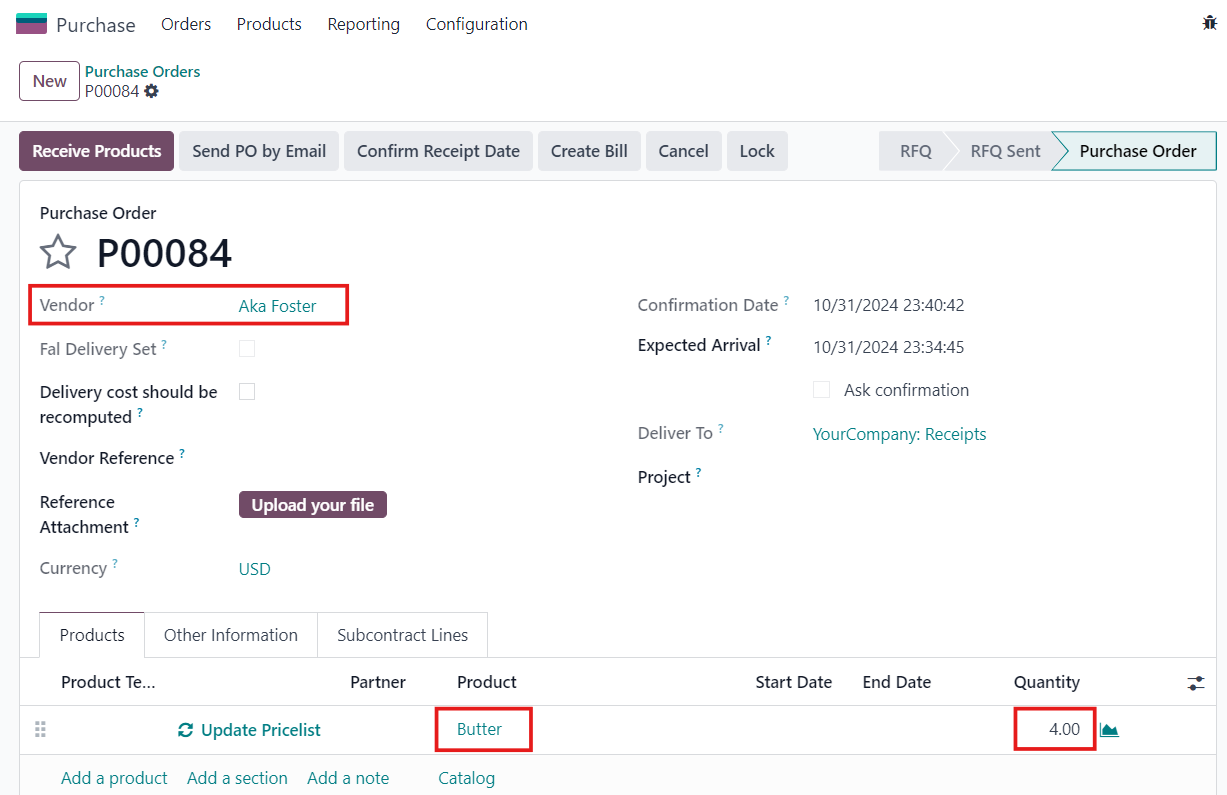 |
5.2 Head to Inventory > Receipts > Validate If you do not check Allow Negative Stock on the product, there will be a Validation Error. Note that: For Subcontracting, you will need to install fal_mrp_subcontract_negative_qty to bypass the validation error of negative stock |  |