



ODOO'S FUNCTION
In Odoo, when you attach files to Purchase Orders, the system only provides a basic attachment functionality. Users can view a small icon or thumbnail representing the file type, but a full preview of the file content is not displayed within the interface. This limitation can hinder quick file reviews, making it less efficient for users to access detailed information without leaving the Odoo environment.
CLUEDOO'S FUNCTION
CLuedoo introduces a powerful enhancement to Odoo’s document management by allowing full previews of attached files directly within the interface of PO. With this new feature, users can view complete content, such as PDFs, images, or other document types, without the need to download or open them externally.
1. Go to Purchase > Create a new RFQ or choose an existing one > Click the Attachment icon directly/the Attachment icon from the Log Note | 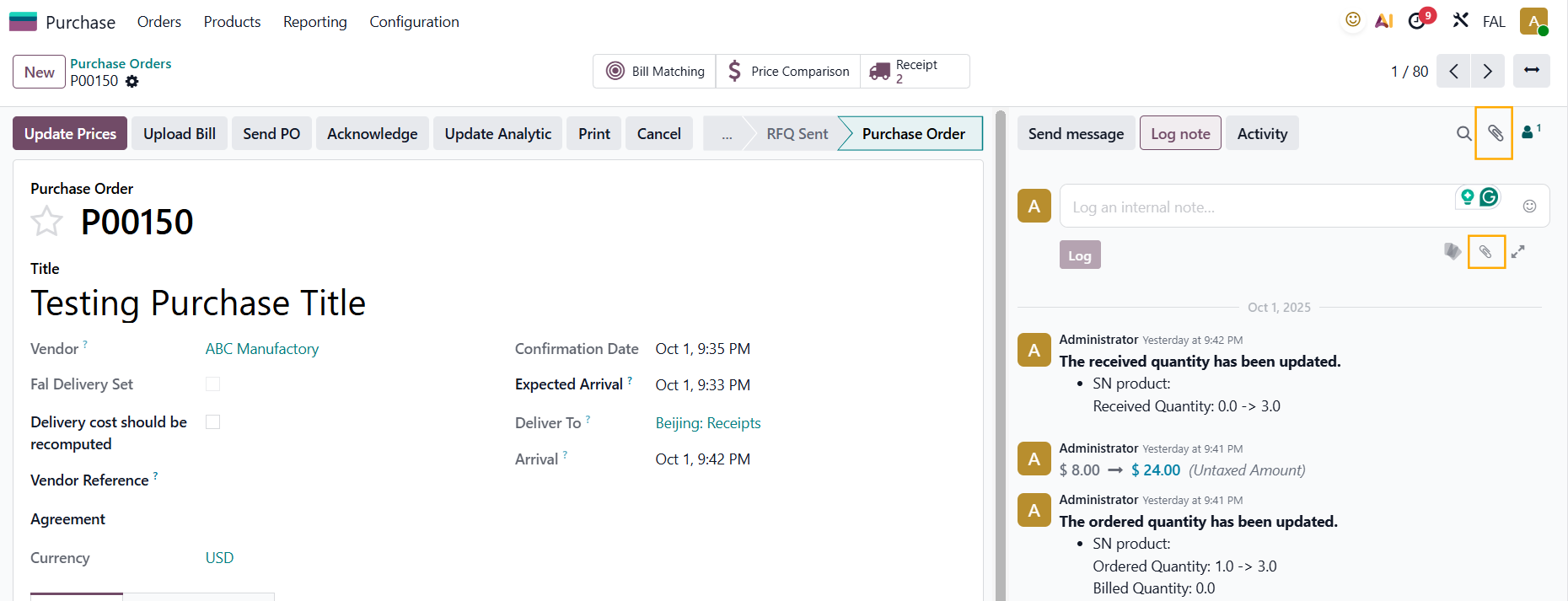 |
2. Choose a file from your computer and you will see a preview of the file appears | 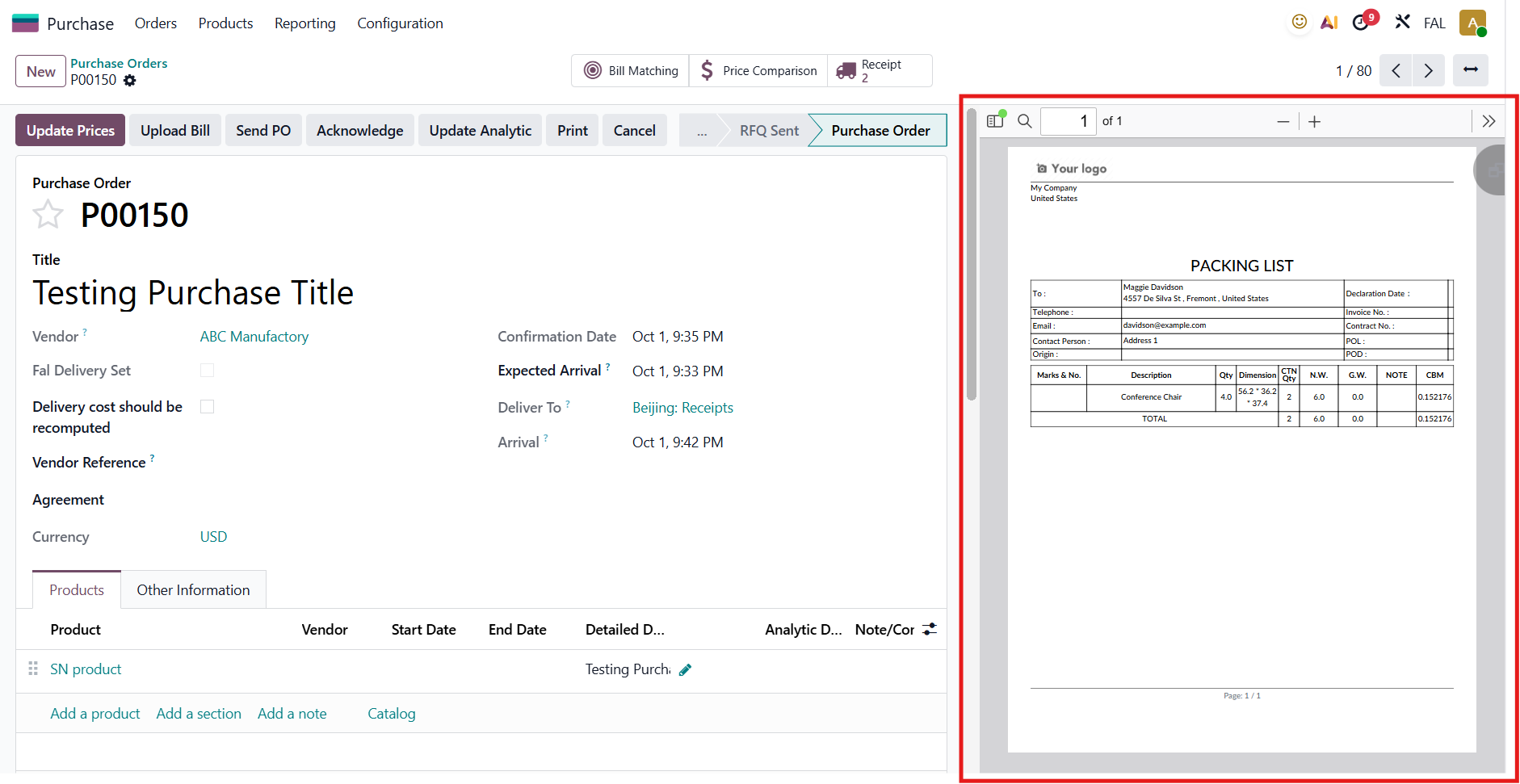 |