


ODOO'S FUNCTION
In Odoo, Analytic Distribution Models automate entries based on Partner, Product, or Account, but lack a Salesperson/Buyer criterion. This prevents businesses from automatically allocating costs or revenues to specific staff members, leading to manual distribution and potential tracking errors in commission or departmental reporting.
CLUEDOO'S FUNCTION
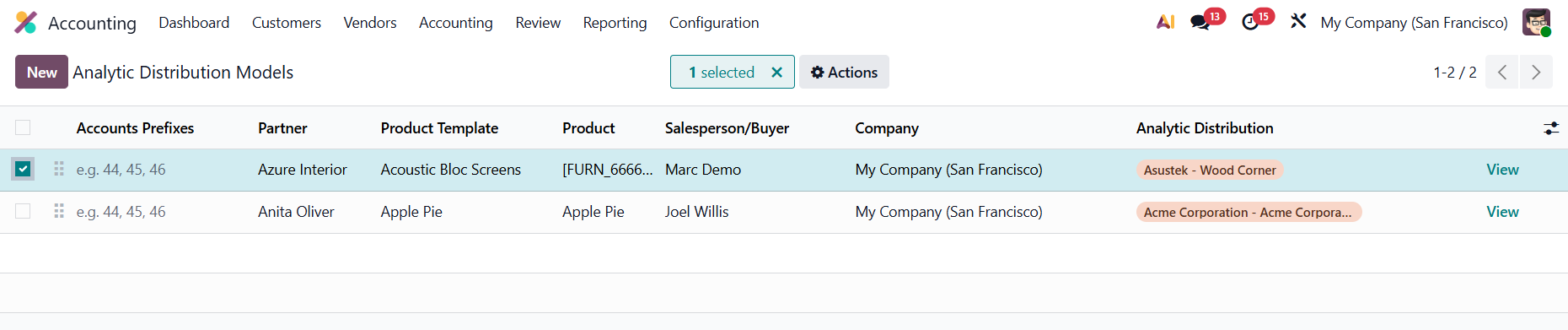
CLuedoo introduces a "Salesperson/ Buyer" field to Analytic Distribution Models. The module automatically triggers the "Distribution to Apply" on Sales/Purchase Orders/ Invoices whenever the document's salesperson/buyer matches a predefined rule.
CONFIGURATION | |
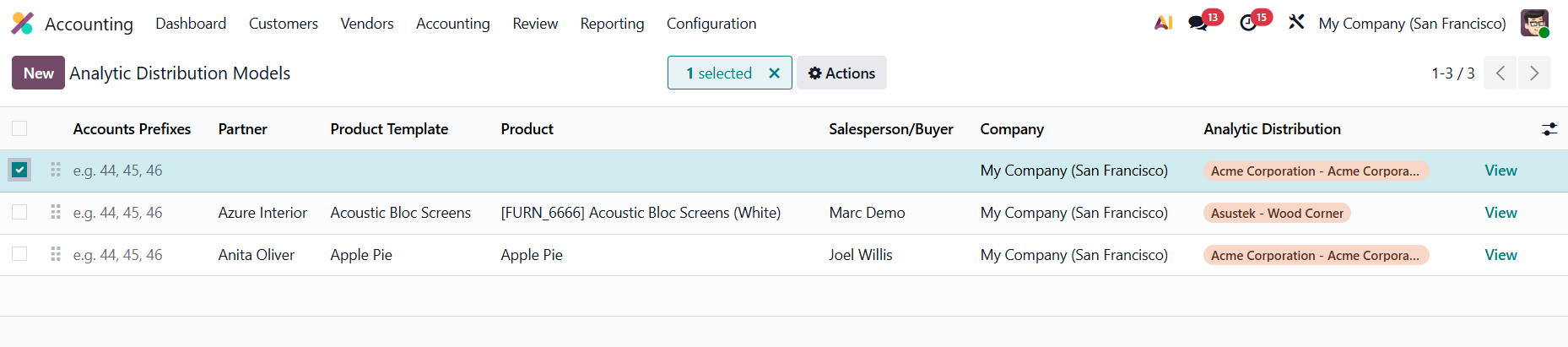
Go to Accounting > Analytic Distribution Models > New. Create a new model > Fill in the Partner, Product Template, Product, Salesperson/ Buyer, and AD. |
|
USAGE | |
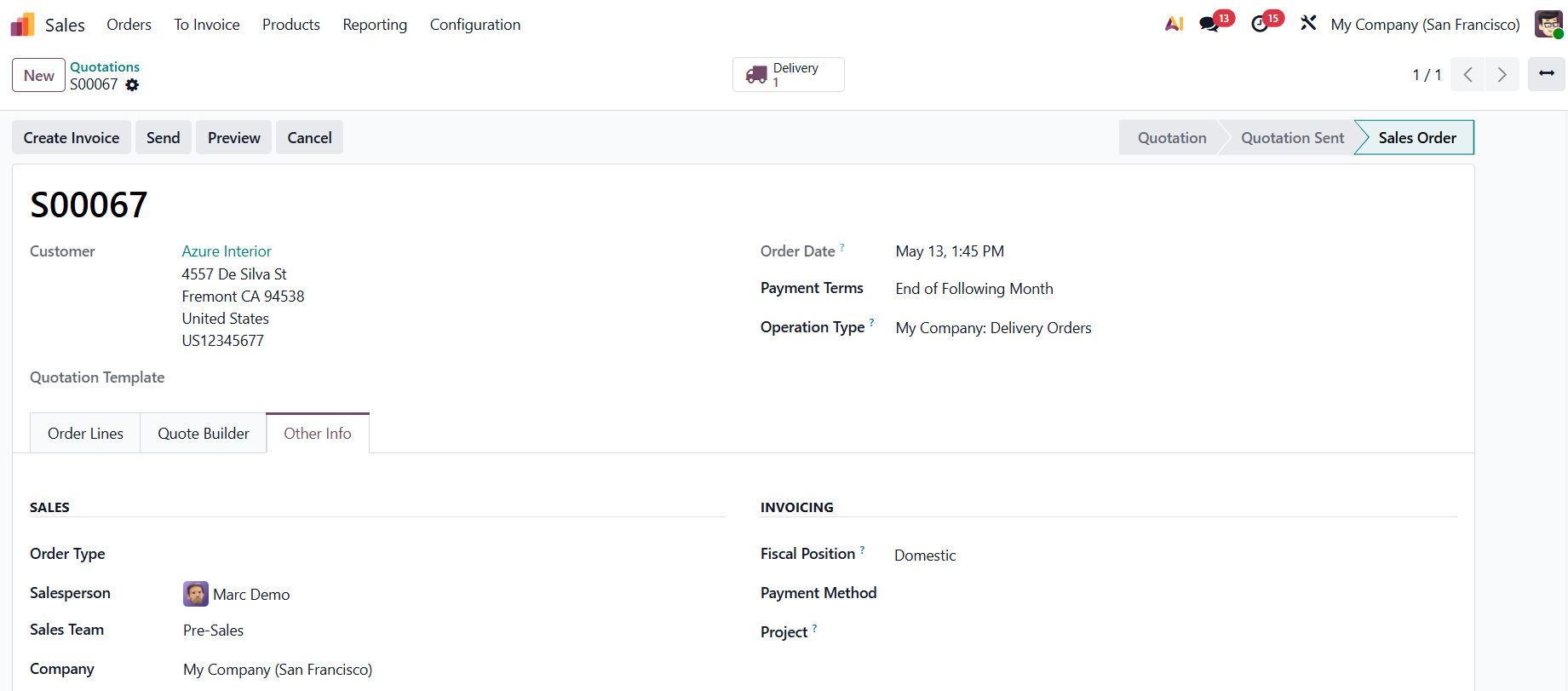
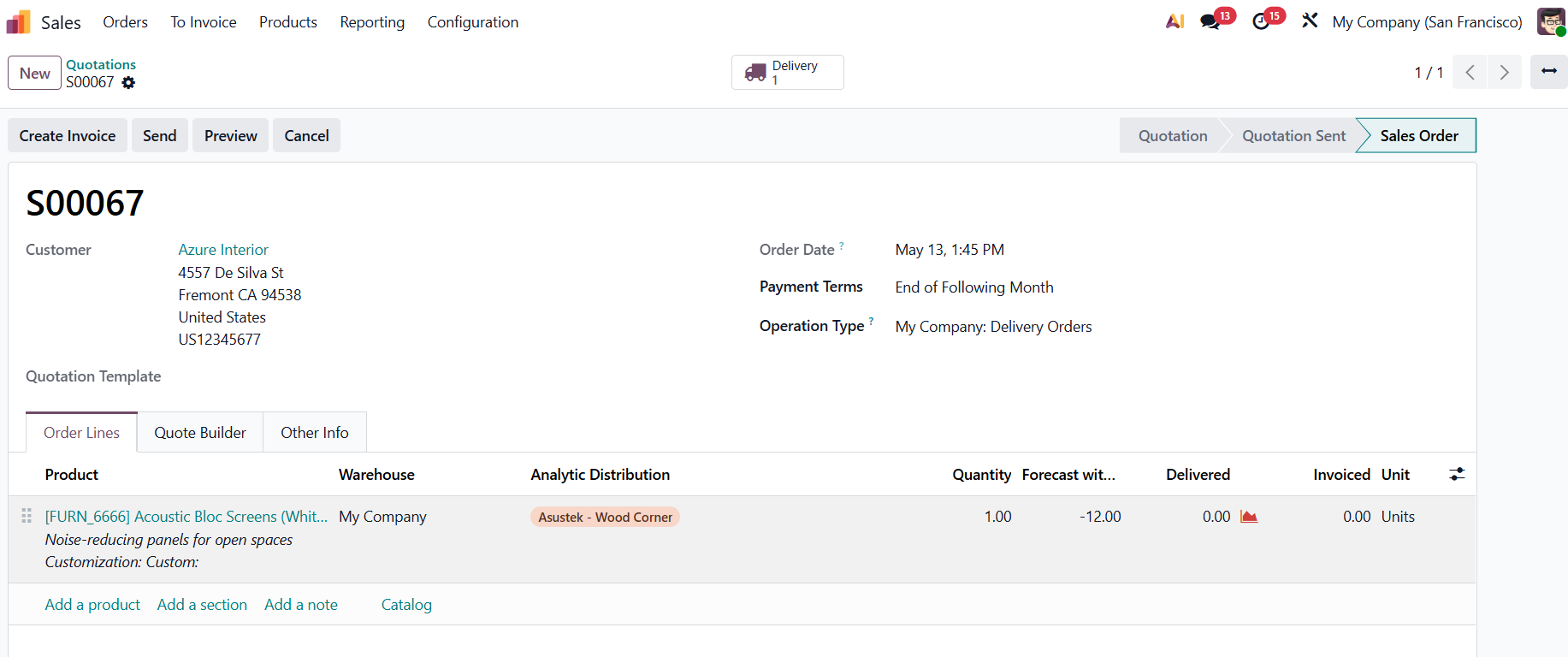
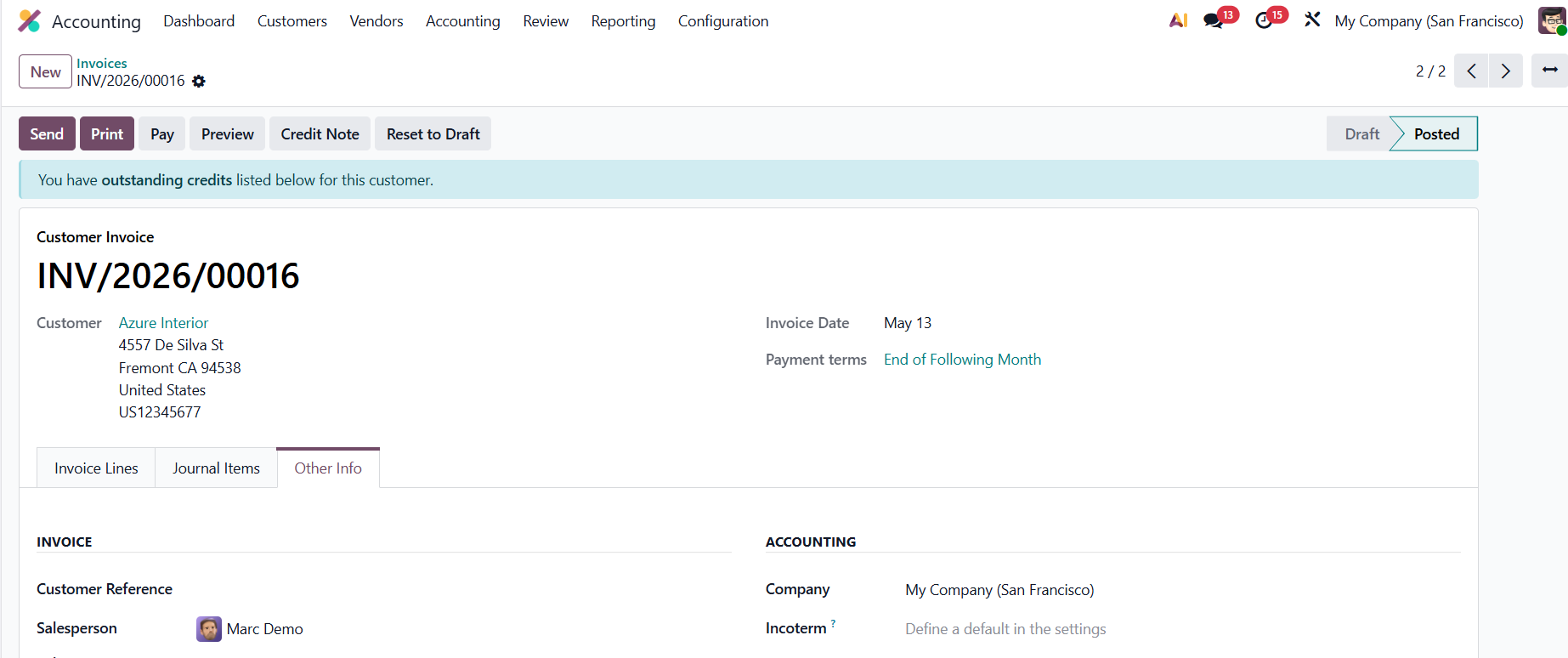
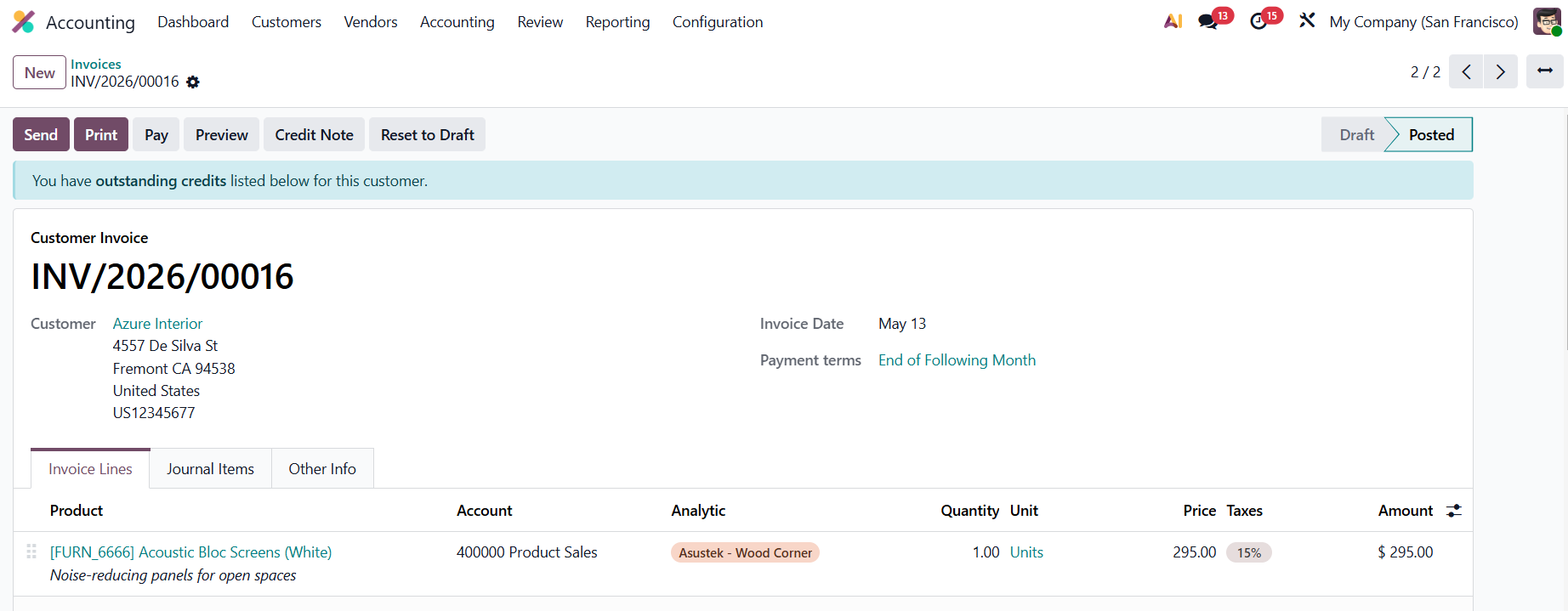
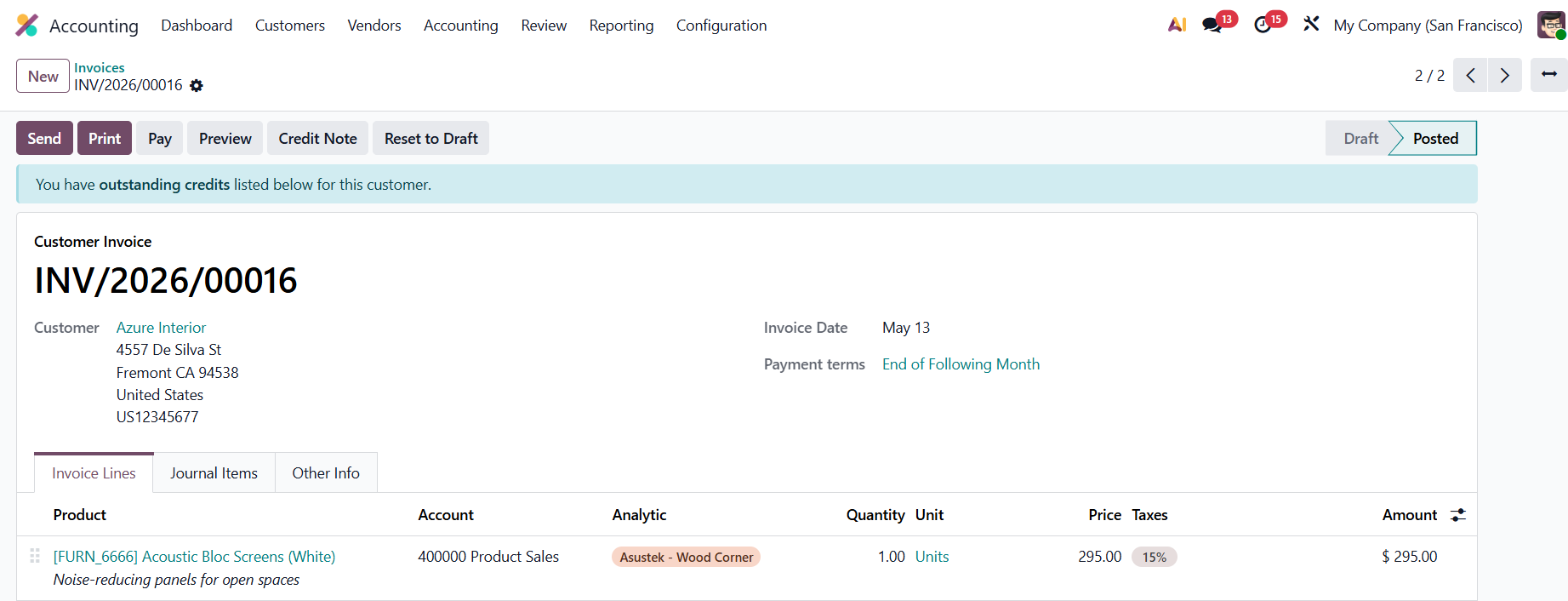
SALES / INVOICESCreate a new SO/invoice > Fill in the Customer and Salesperson > Add the configured product The Analytic Distribution will be automatically applied. |
|
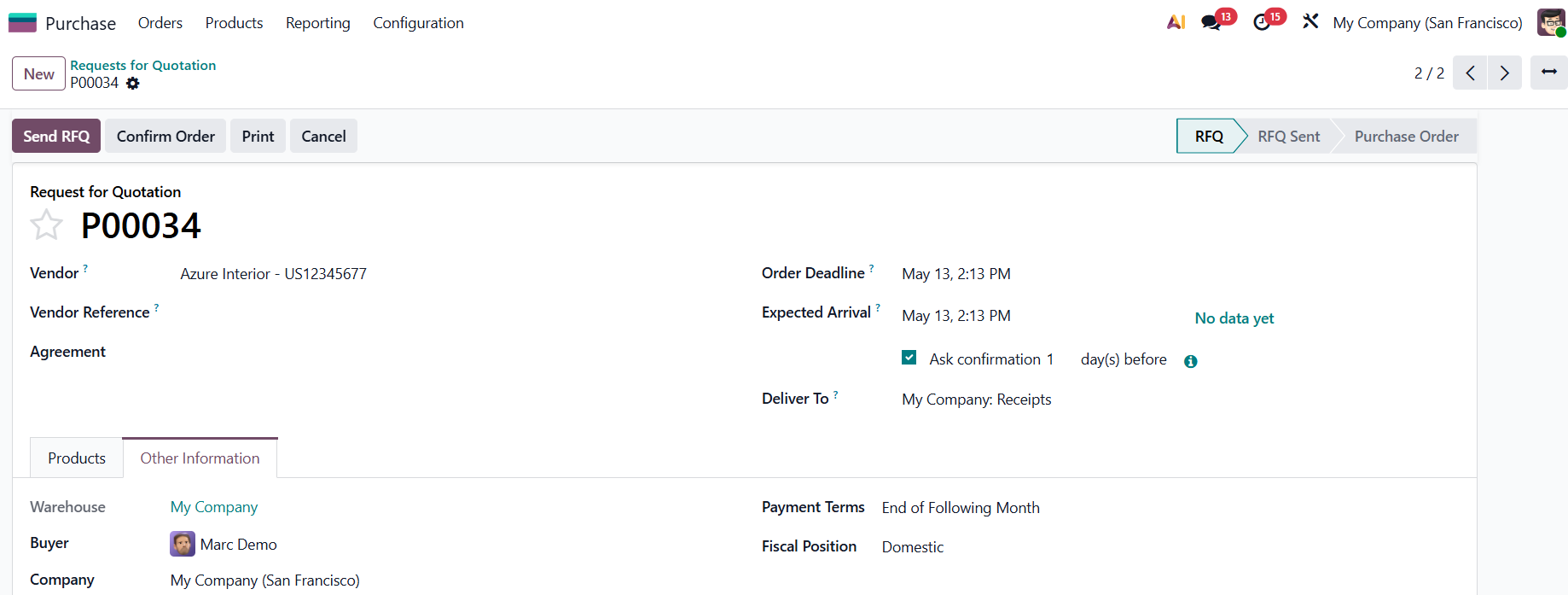
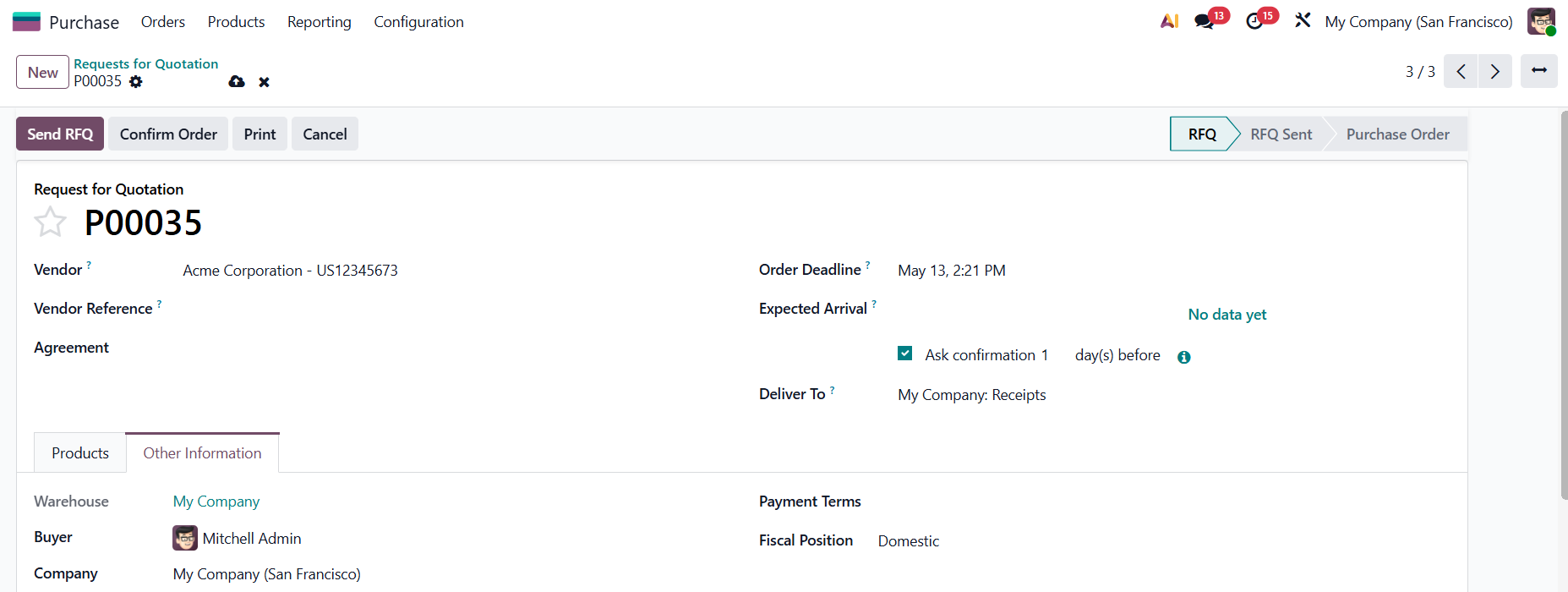
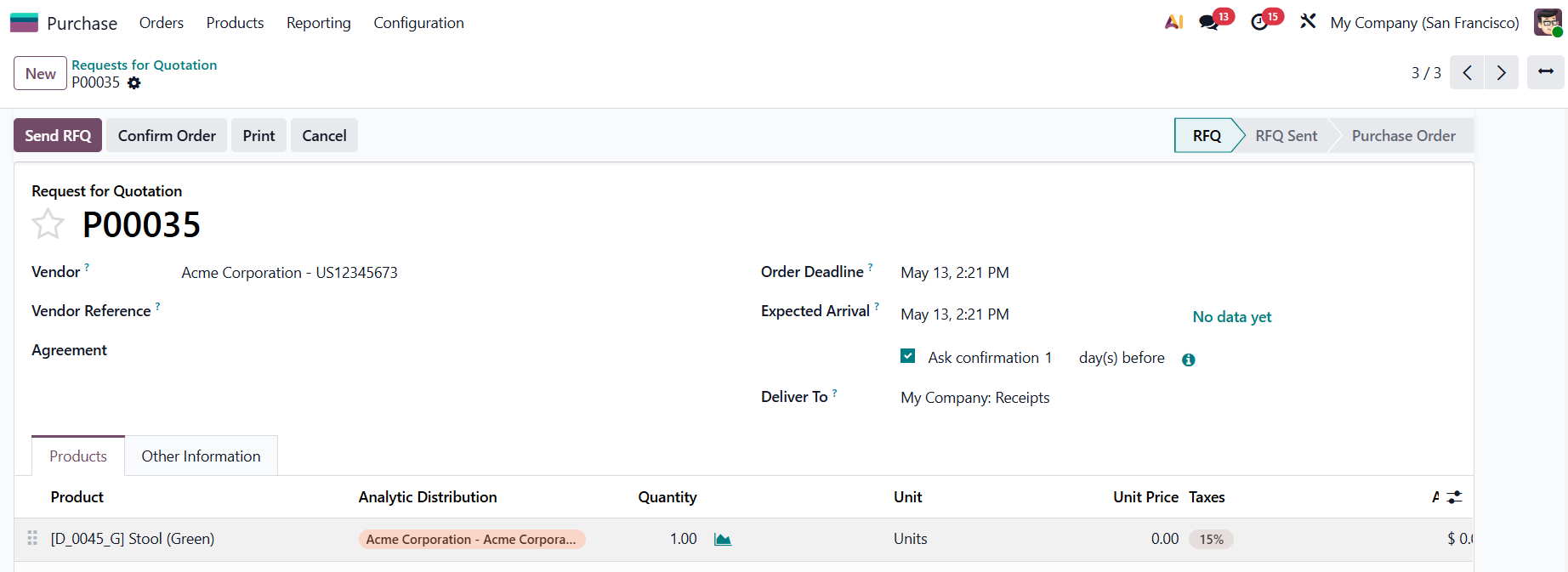
PURCHASESCreate a New PO > Fill in the Vendor and the Buyer The Analytic Distribution will be automatically applied. |
|
Note: If leaving the Product/Product Template field blank, then any product, salesperson, or buyer will have the same AD that have already been set up. |
|
| |
|