



ODOO'S FUNCTION
Odoo lets you configure the decimal accuracy of your data. For example, you can set your product price with 2 or more decimal digits.
CLUEDOO'S FUNCTION
CLuedoo enhances this feature and allows you to set how your data will be displayed. For instance, your product price can be stored and calculated with a 4-digit-number, but in your Sales Order, it will only appear in a 2-digit format.
Go to Settings → Technical → Database Structure → Decimal Accuracy The Digits field is to save the number of digits in the database. The Display Digits field is to set how many digits you want to display. |  |
For example: When I set the Digits = 4 and the Display Digits = 2 in Product Price Even when I enter 378.6030, in the Sales Order, it will only show 378.60 When I set the Digits = 4 and the Display Digits = 4 in Product Price When I enter 378.6030, in the Sales Order, it will show 378.6030 | Display Digits = 2 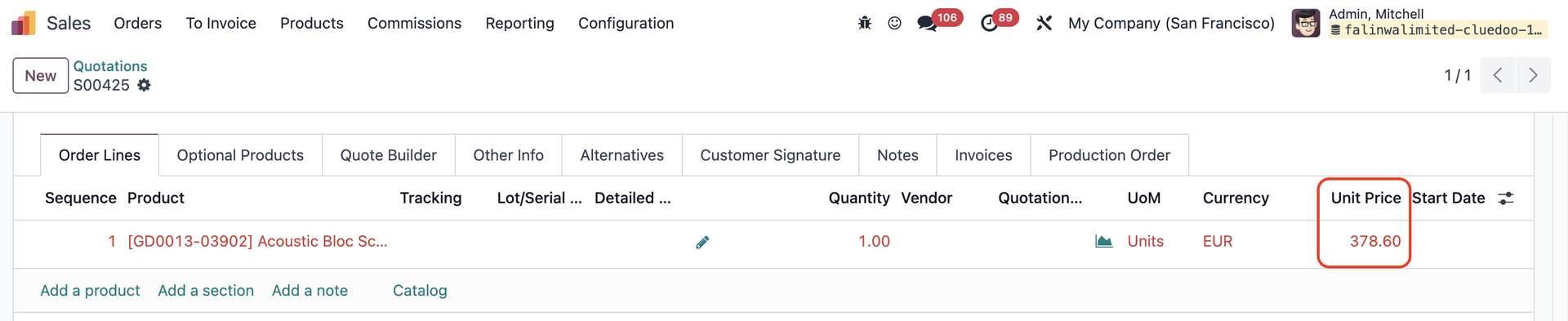 Display Digits = 4 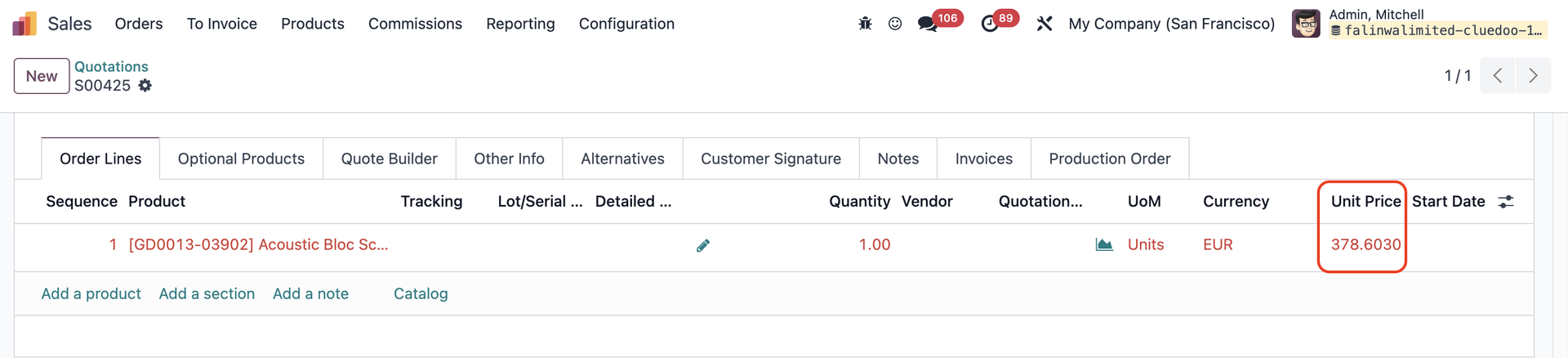 |