



STORY BEHIND THE FEATURE
ODOO BEHAVIOR
Odoo allows managing multiple sales orders per customer, providing flexibility for handling separate transactions. However, it does not offer a built-in way to merge multiple sales orders into one, which can lead to duplication or inefficiencies in processing.
CLUEDOO BEHAVIOR
CLuedoo introduces a smart button called "Merge Invoice" in the Sales app, allowing users to consolidate Sales Orders from one customer into a single invoice. This helps streamline order management, reduce redundancy, and simplify invoicing or delivery processes.
CLUEDOO RECOMMENDATION
Install on 100% of your database.
OUR FEATURES AS SOLUTIONS
Consolidate Sales Orders through the "Merge Invoice" button
HOW TO USE THIS MODULE
1. Go to Sales > Create new quotations or use the existing quotations | 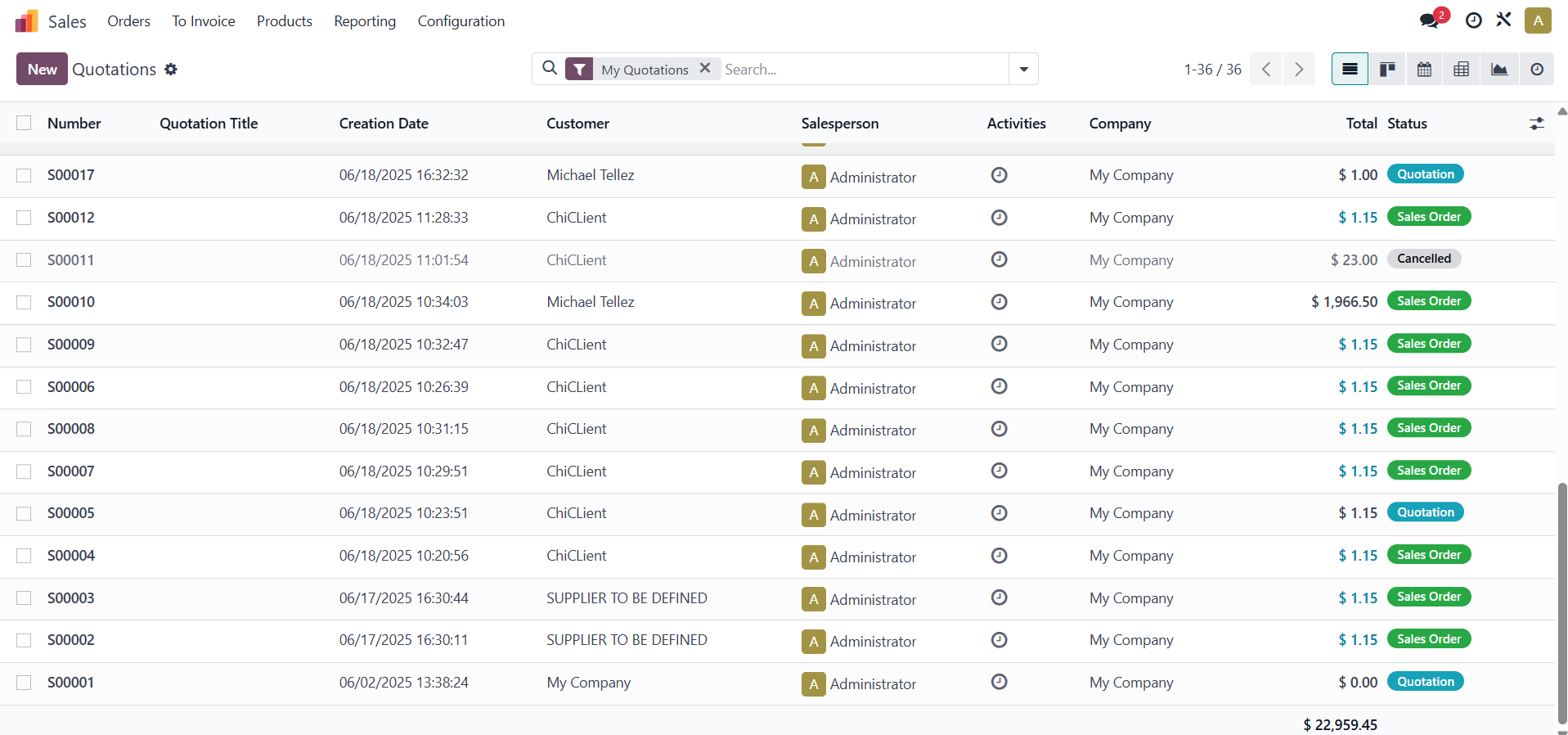 |
2. Choose the Sales Orders you want to combine > Click the smart button "Merge Invoice" to consolidate the invoice (Note that the Sales Orders need to have the same customers and not be in the draft state.) | 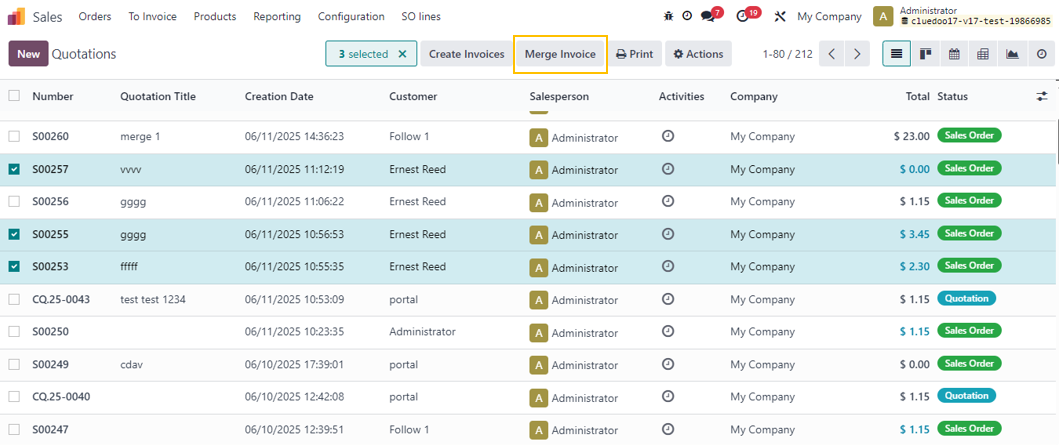 |
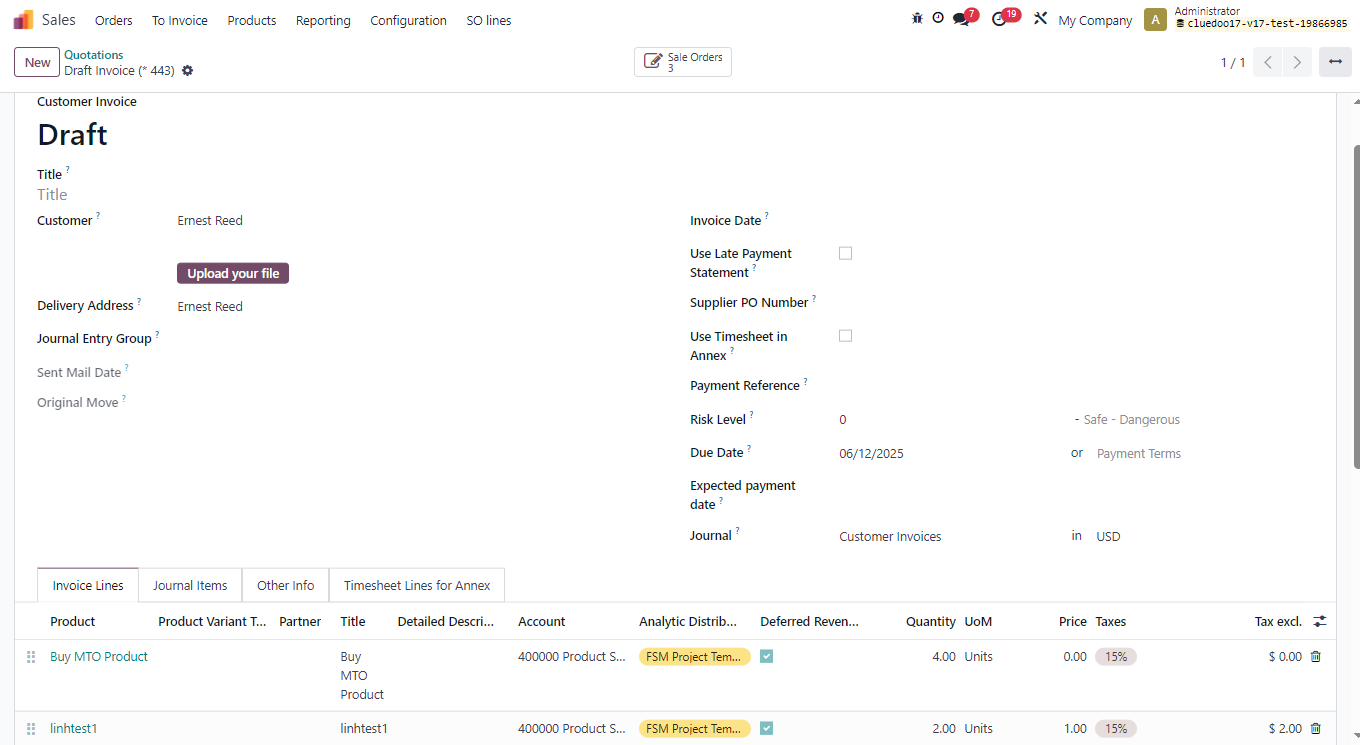
3. The draft invoice including all the products of Sales Order will be displayed. Note that the product quantity and the amount to invoice in the merged invoice will be calculated according to the invoicing policy of each product.
|  |