



STORY BEHIND THE FEATURES
ODOO BEHAVIOUR
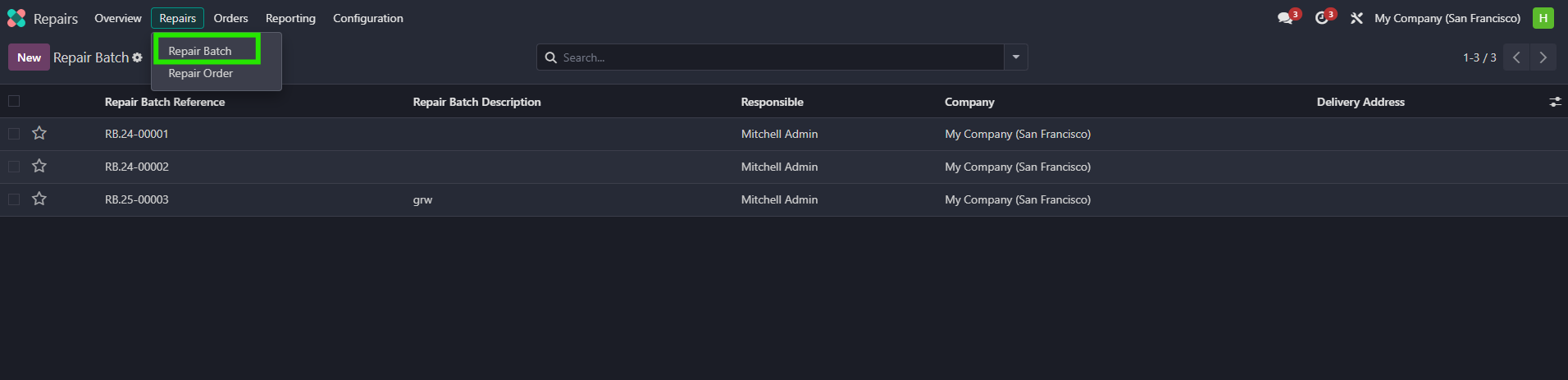
In the standard Odoo system, the "Repair" app does not provide a dedicated menu for managing repair batches. Users have to manage repair orders individually, which can be time-consuming when dealing with large volumes
CLUEDOO BEHAVIOUR
With the new module installed, several enhancements are introduced to the "Repair" app:
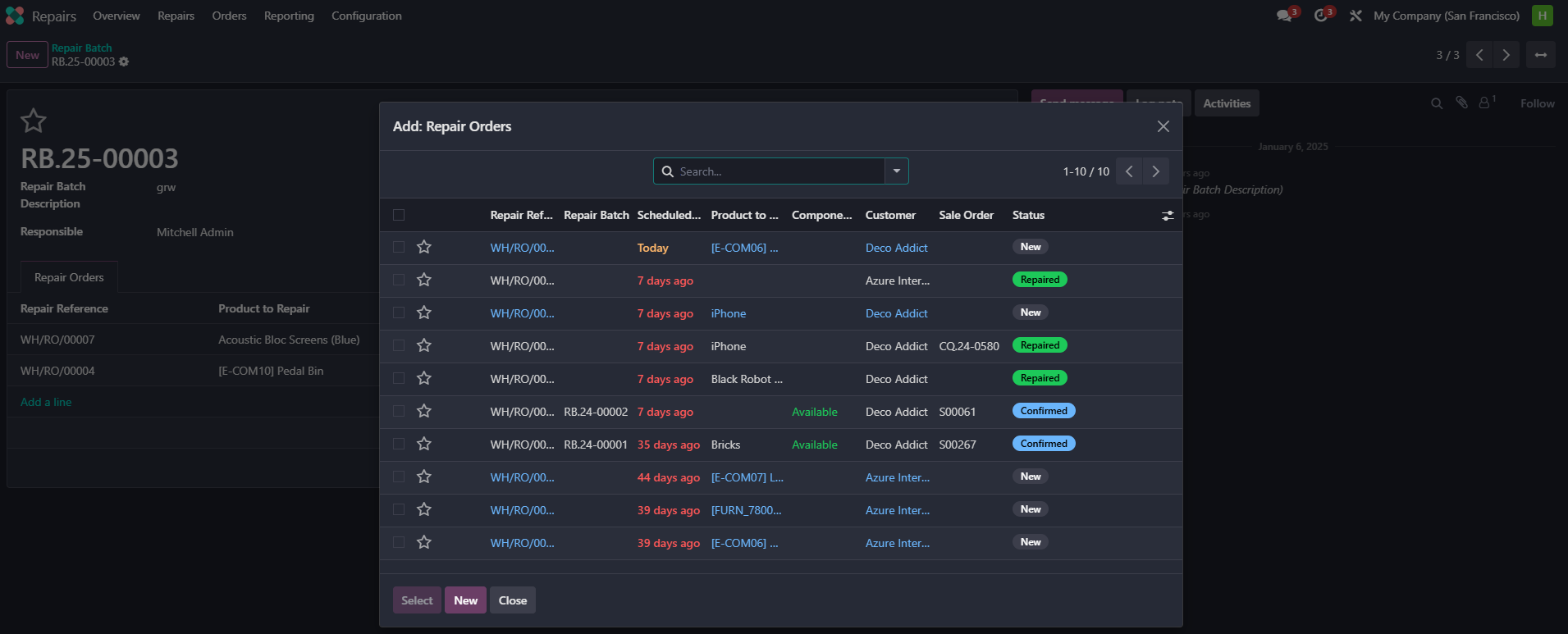
- Users can add lines to repair orders and select the desired delivery method for each batch or order.
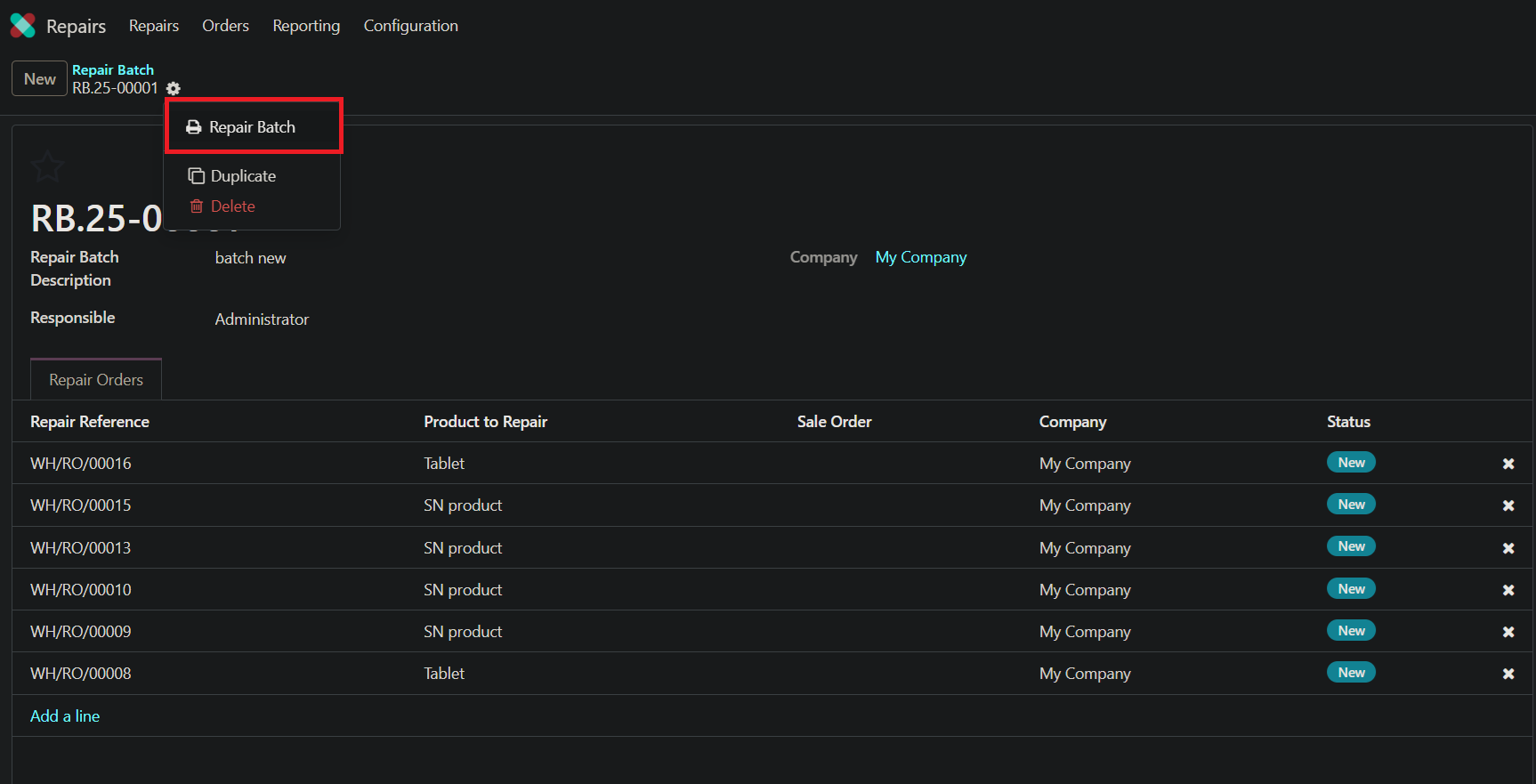
- The module provides two options to handle PDFs: either creating a new PDF or merging existing ones for documentation purposes.
- The module supports mass editing of repair batches directly from the repair order list view, streamlining updates and modifications.
MODULE +
CLUEDOO RECOMMENDATION
HOW TO USE MODULE
HOW TO USE MODULE
1. Repair Batch menu in repair App
2. Add a line , choose delivery you want to add.
3. Choose Repair Batch
4. We can also mass edit the repair batch from repair order list view.
