



ODOO'S FUNCTION
In Odoo, if the user changes the quantity in the draft Purchase Order (PO), or if the received quantity is less than the requested amount, and then creates a new PO to fulfill the remaining requested quantity, this new PO will not be linked to the original approval request.
CLUEDOO'S FUNCTION
CLuedoo enhances the standard process by:
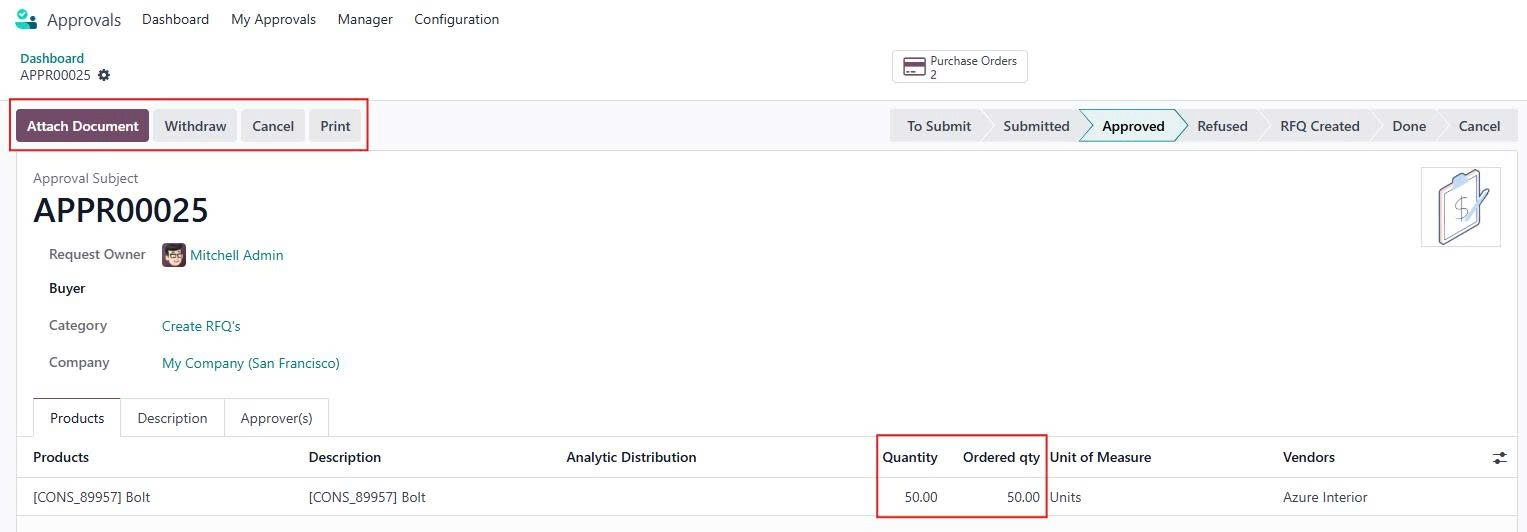
1️⃣ Allow the user to create a new PO to fulfill the requested quantity, and ensure it is linked to the corresponding approval request.
2️⃣ Do not merge POs from different approval requests, even if they are for the same vendor.
1.
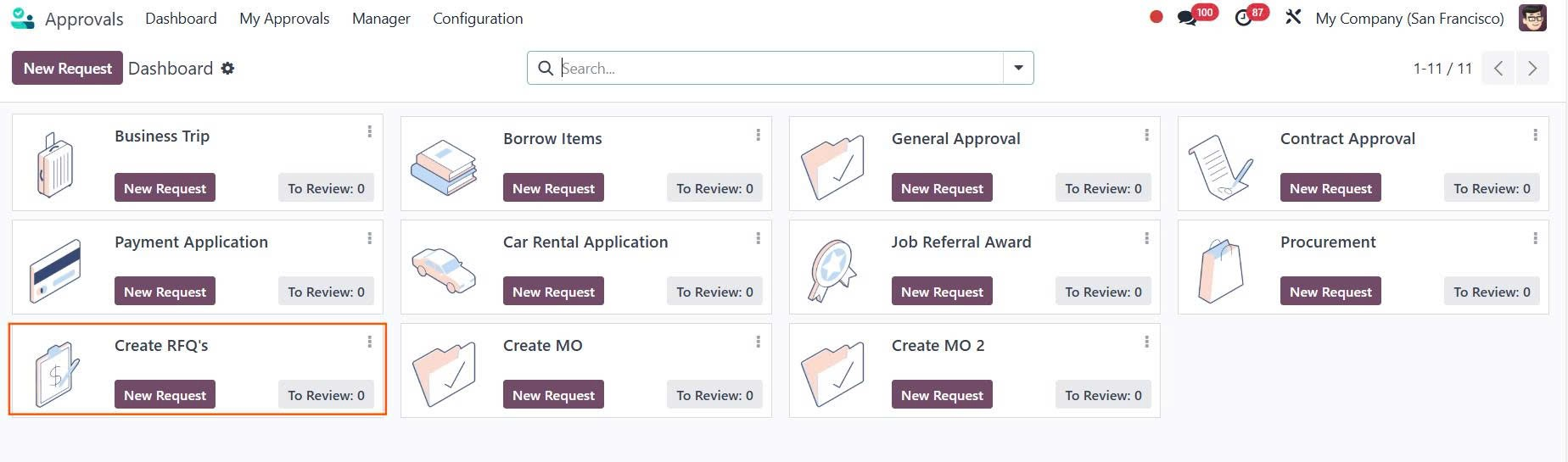
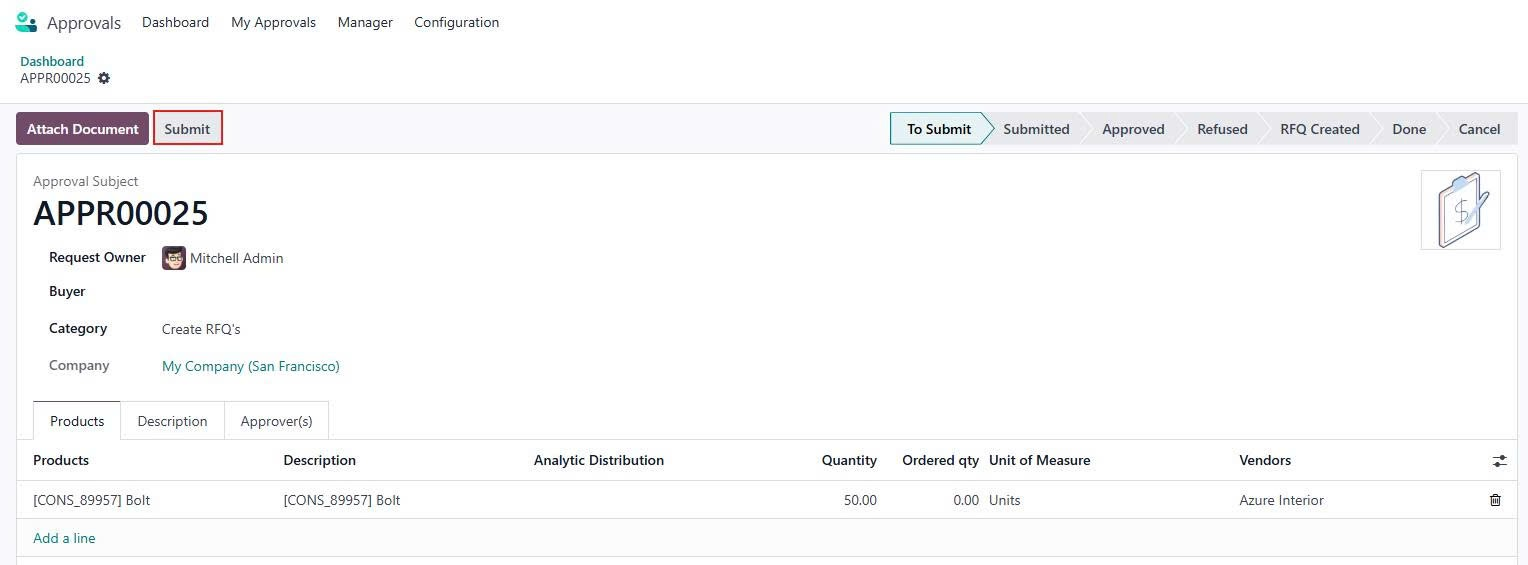
Go to Approval > Click New Request to create a new Request for Quotation > Fill all necessary information and then Submit > Approve > Create RFQ's and the Request for Quotation will be created
|   |
2. Click the Purchase Orders button at the top of the Approval > Adjust the quantity and then confirm the order. If the ordered quantity is less than the approved quantity, the Create RFQ’s button will appear, allowing to generate the additional RFQ to cover the remaining quantity. | 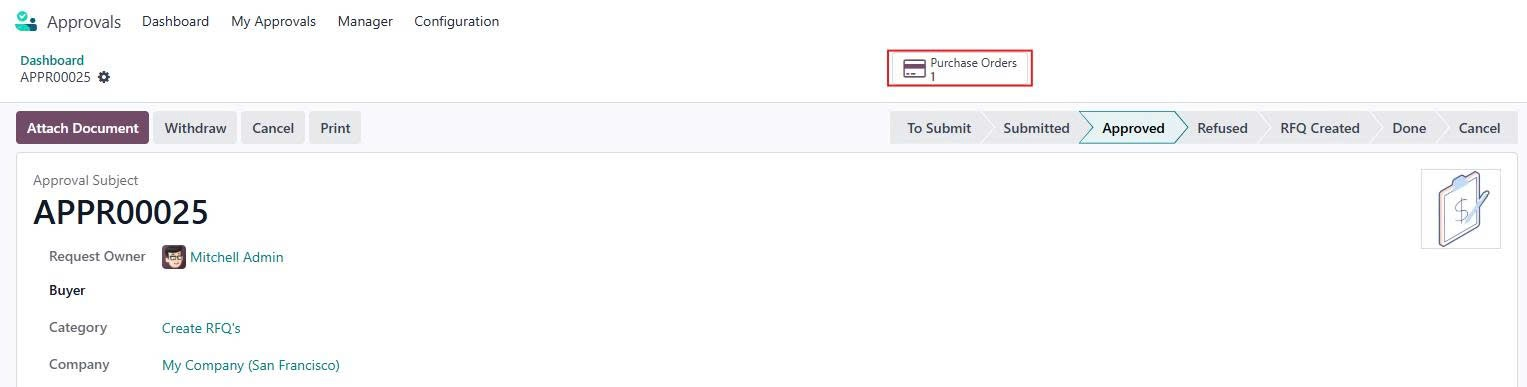 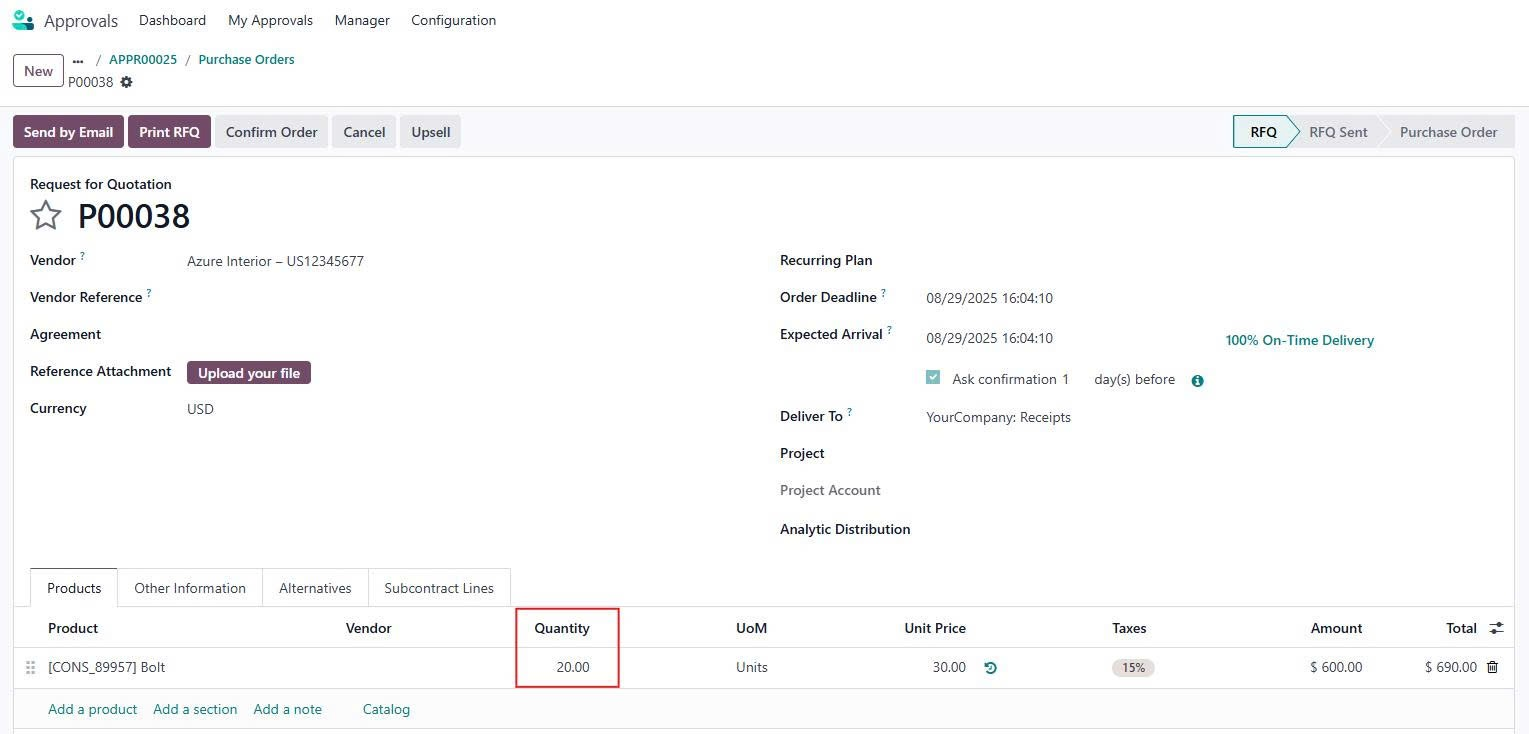 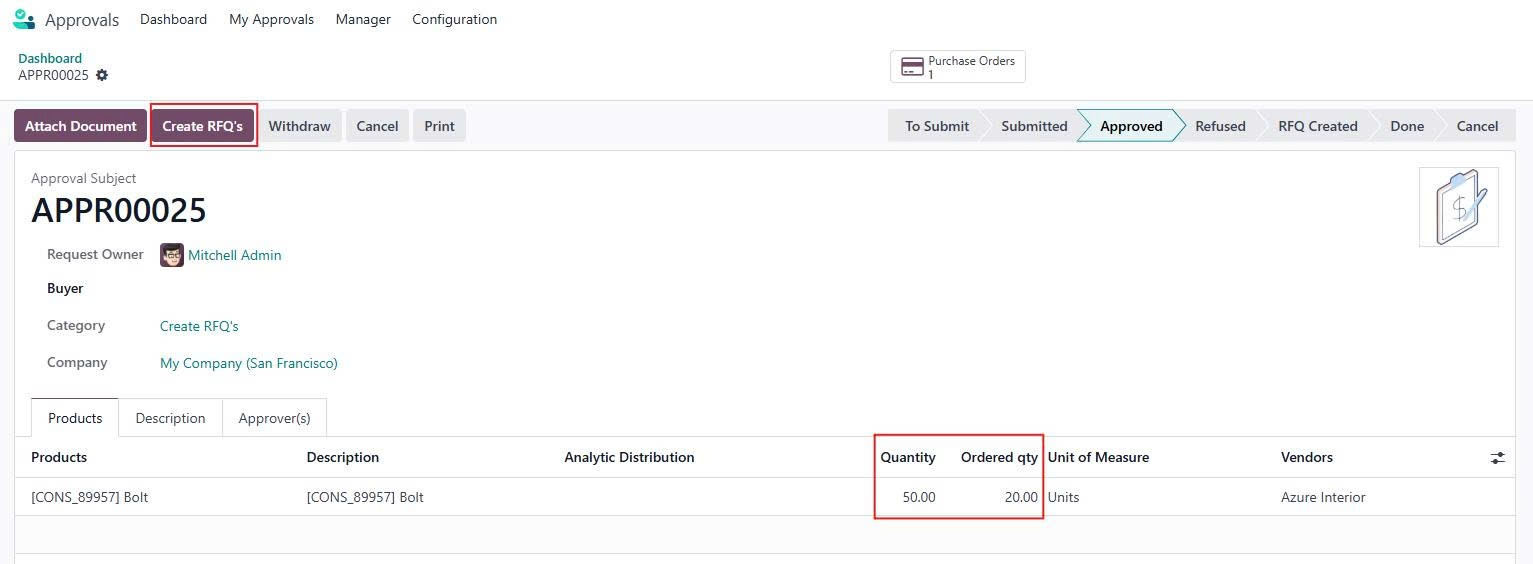 |
NOTE:
|   |