


ODOO'S FUNCTION
In Odoo Approvals, if two RFQs are created with the same vendor and approved, the system automatically merges them into one draft Purchase Order, which may simplify processing but can overwrite distinct line details like descriptions.
CLUEDOO'S FUNCTION
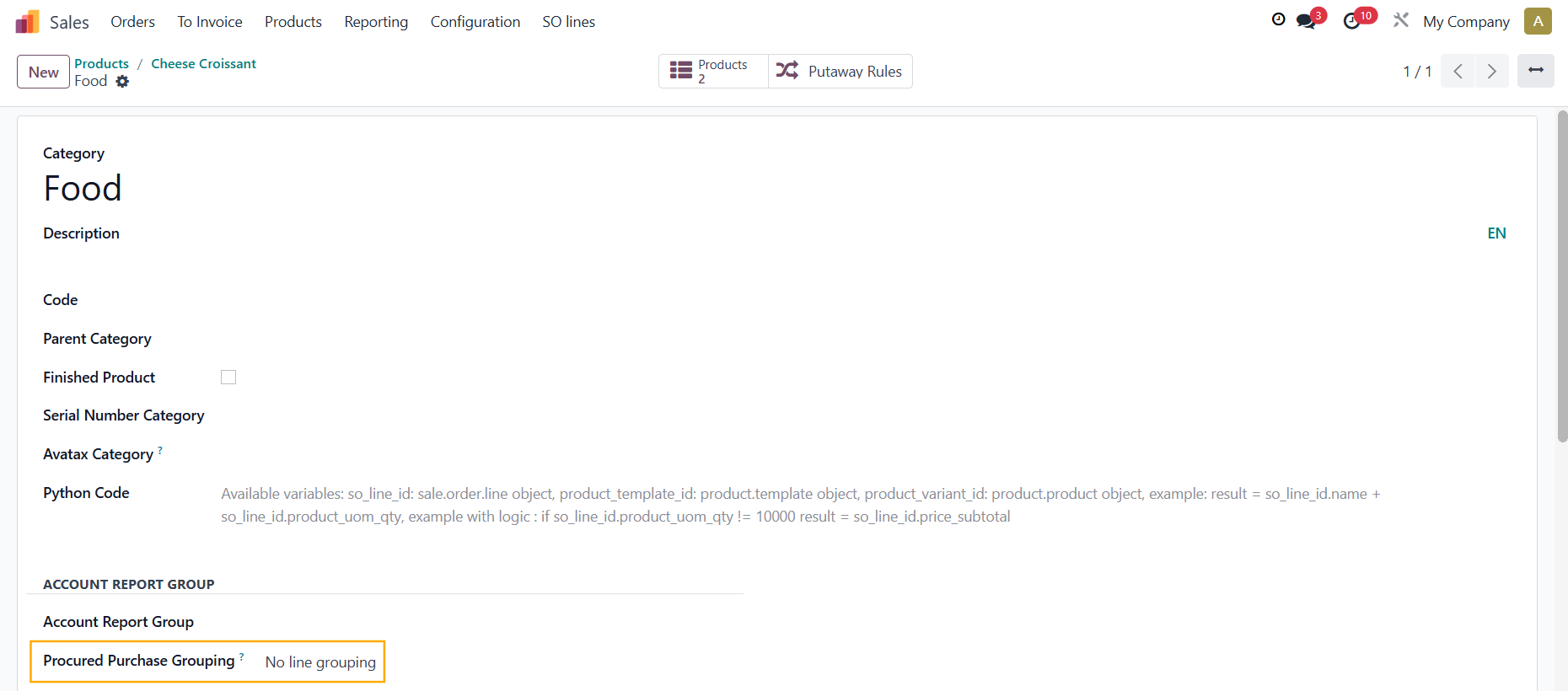
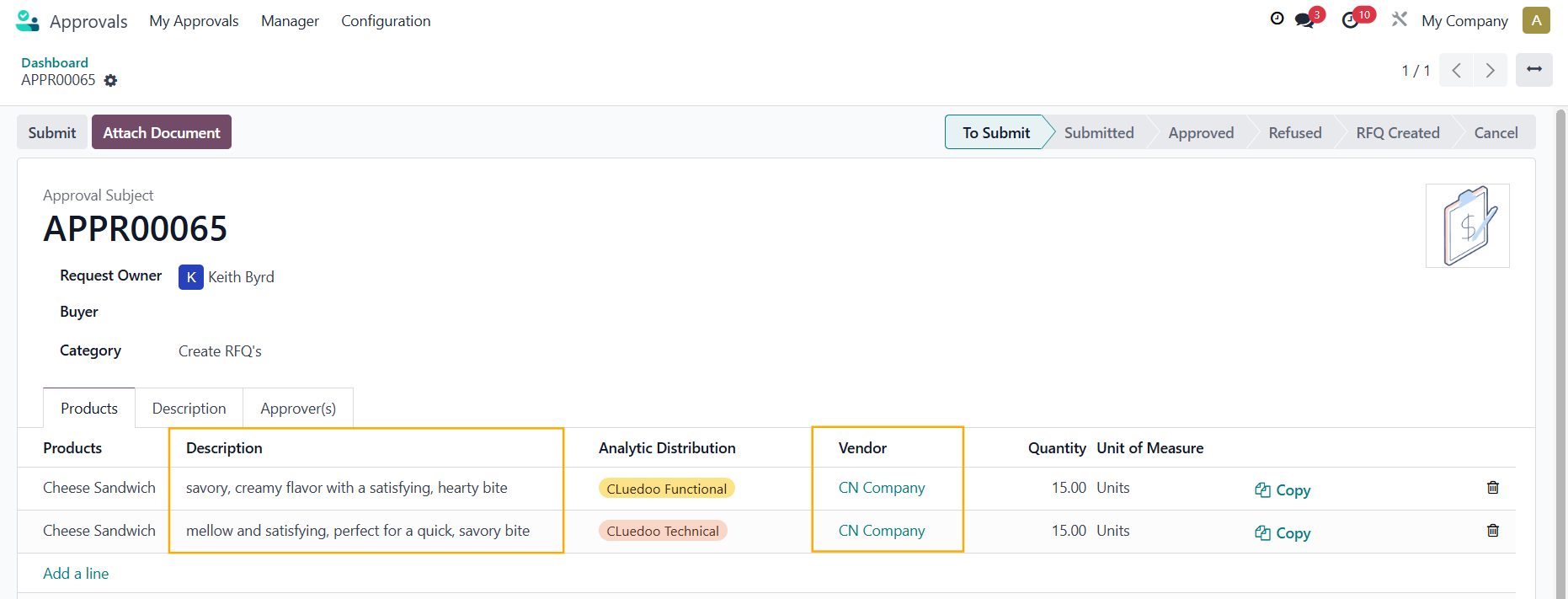
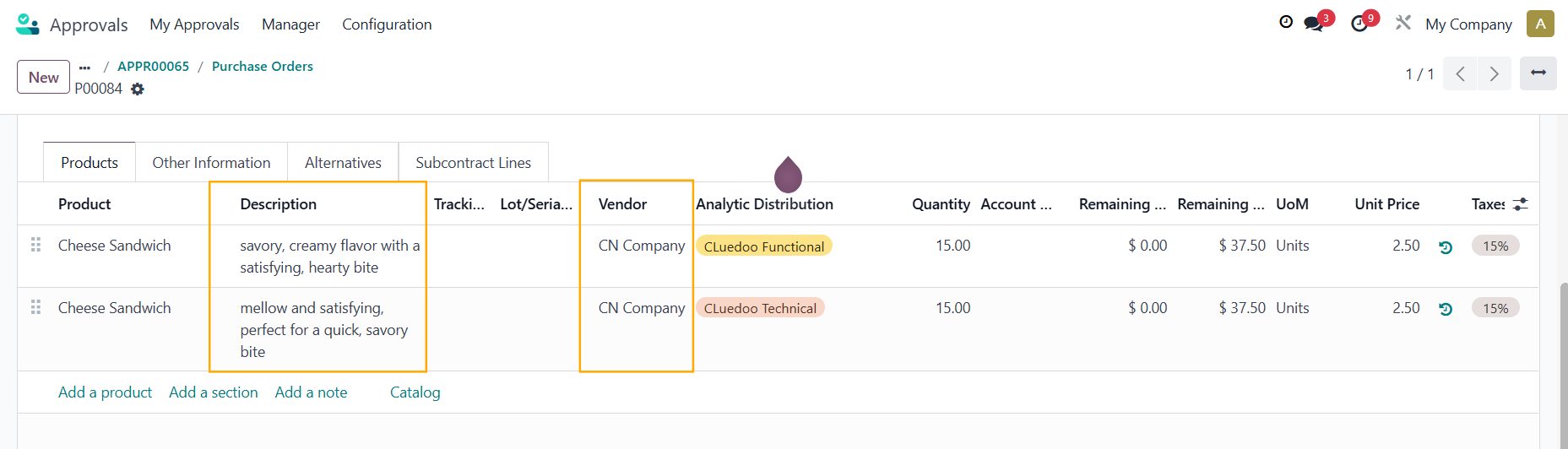
CLuedoo adds an option in the Product Category to disable PO merging for Approvals. When the same product is used in different Approval lines with unique descriptions, it generates a single RFQ with separate lines, preserving each description. It also introduces a "Vendor" field in the Approval, which is transferred to the RFQ.
NO ORDER GROUPING1. Create a product and choose a Product Category | 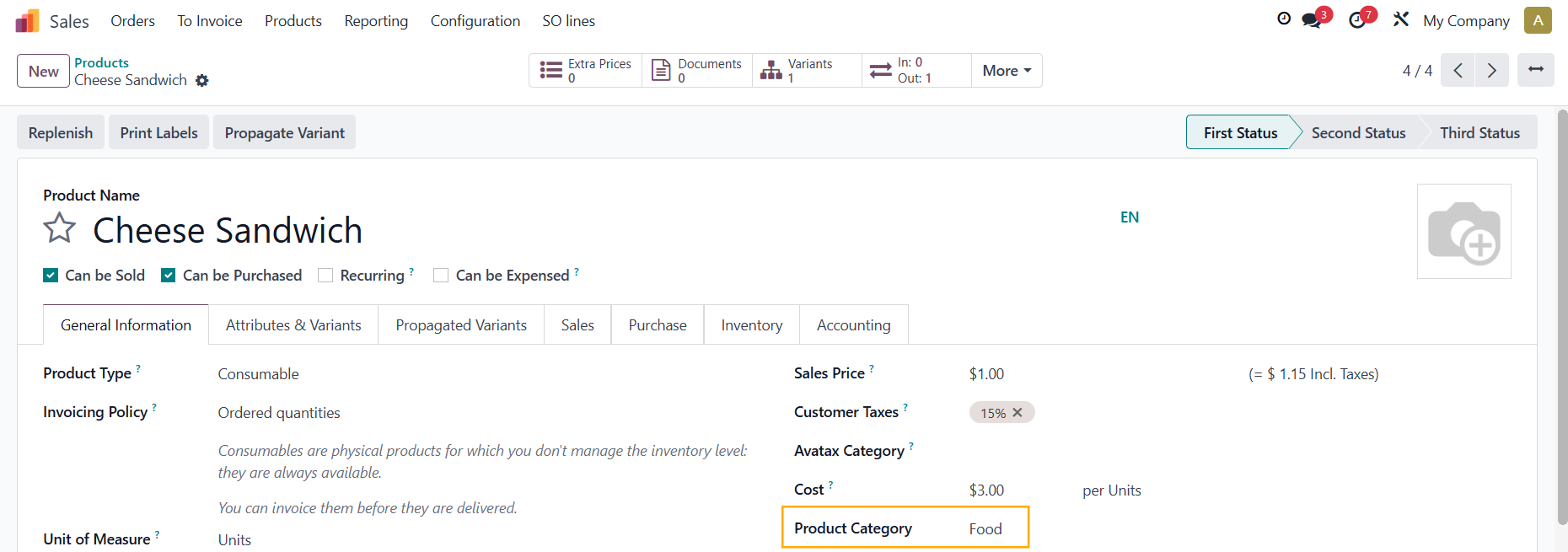 |
Make sure you choose No order grouping in Procured Purchase Grouping | 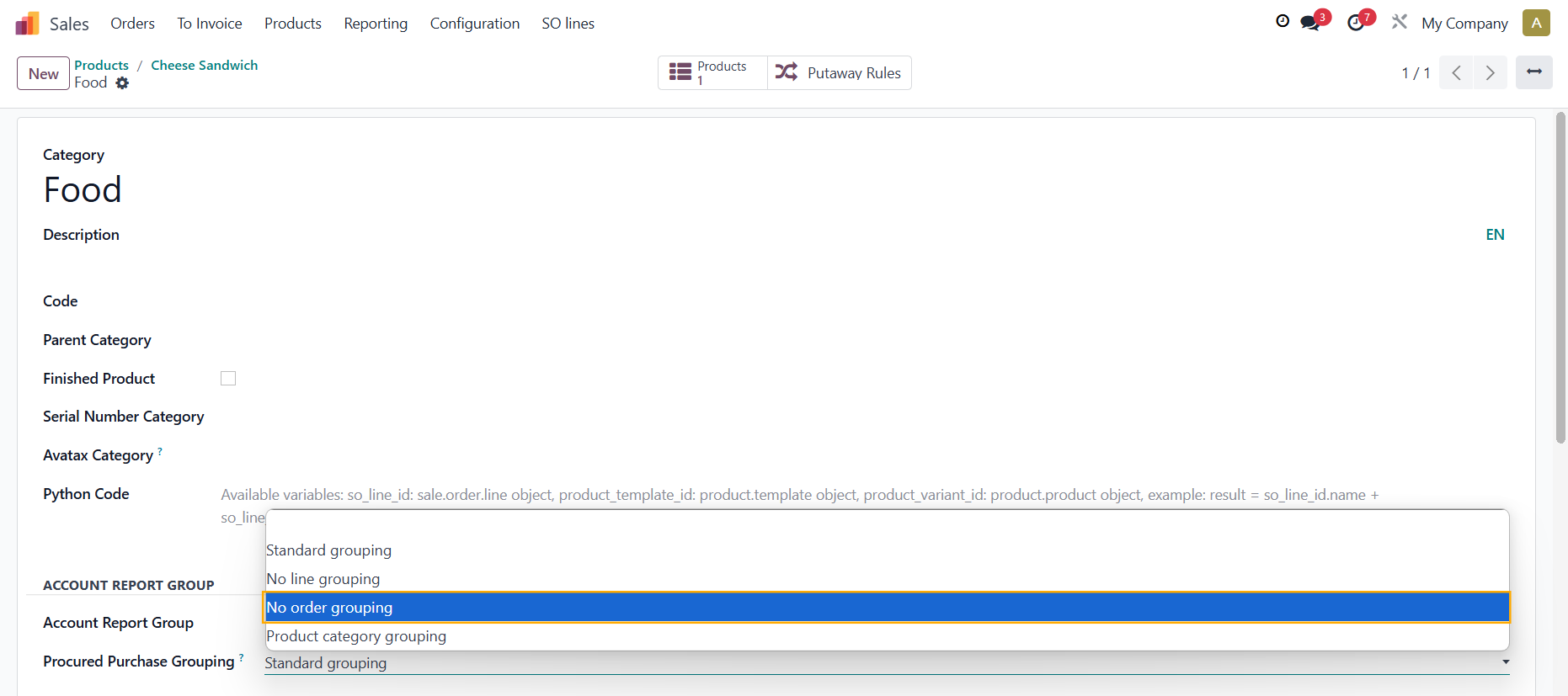 |
2. Create another product and make sure it has the same Product Category and Vendor as the first one | 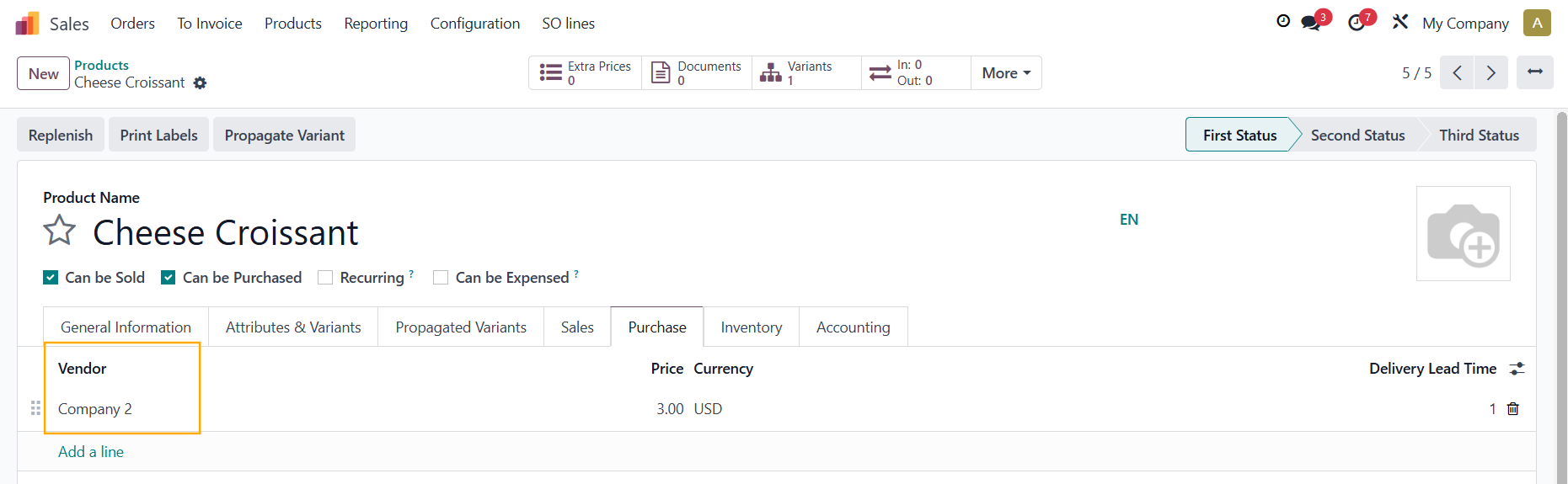 |
3. Go to Approvals > New Request > Create 2 requests with each product, fill in other necessary information like Description > Submit Note: You can add a Vendor here if you do not set it up in the product form | 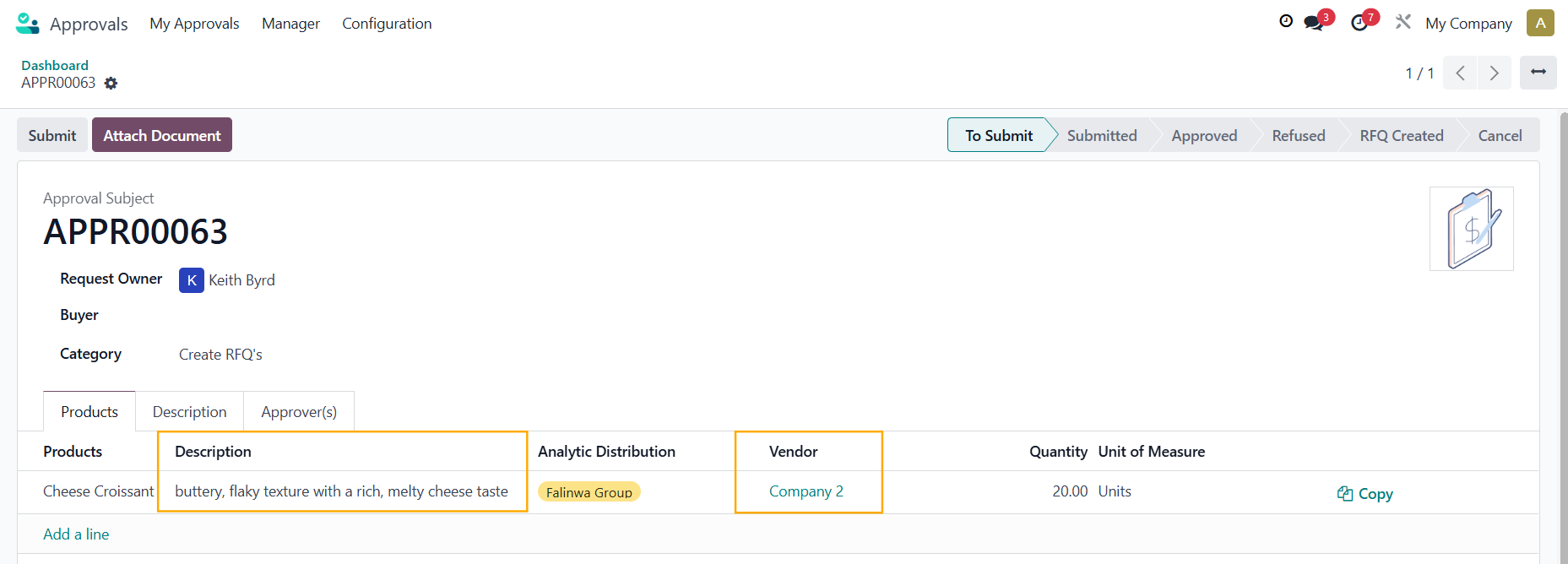 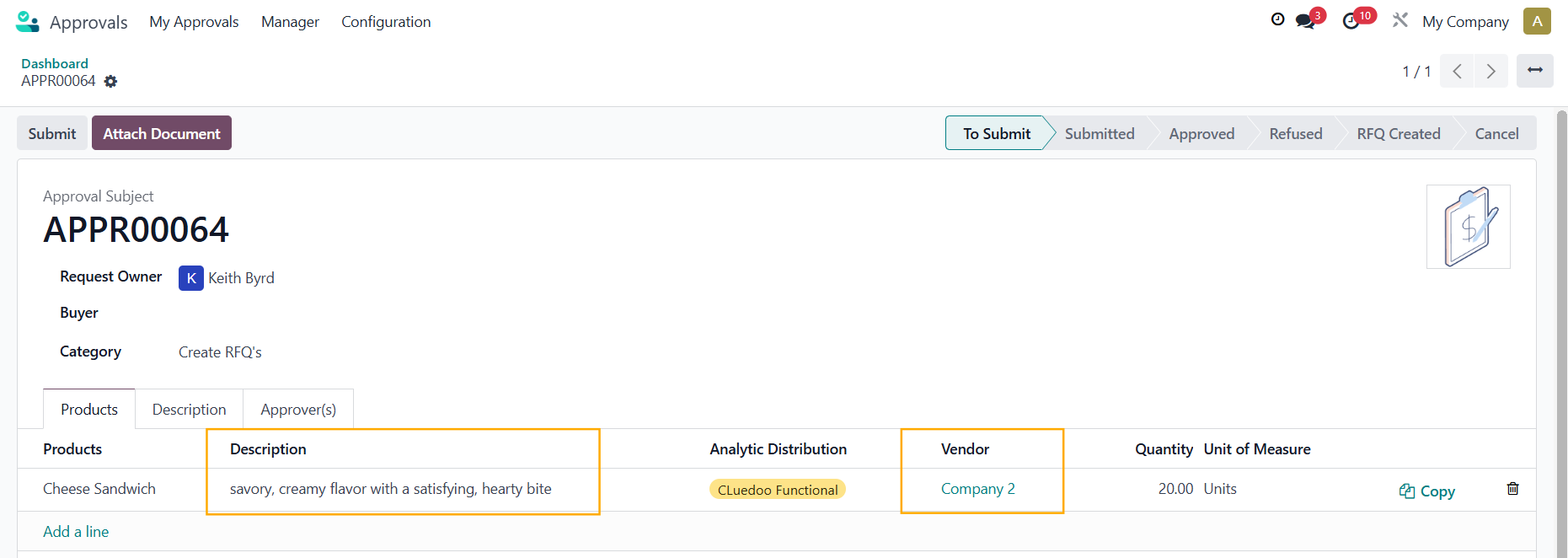 |
4. After the Approver approves the requests and Create RFQ's > you will have 2 different RFQs with the same Vendor | 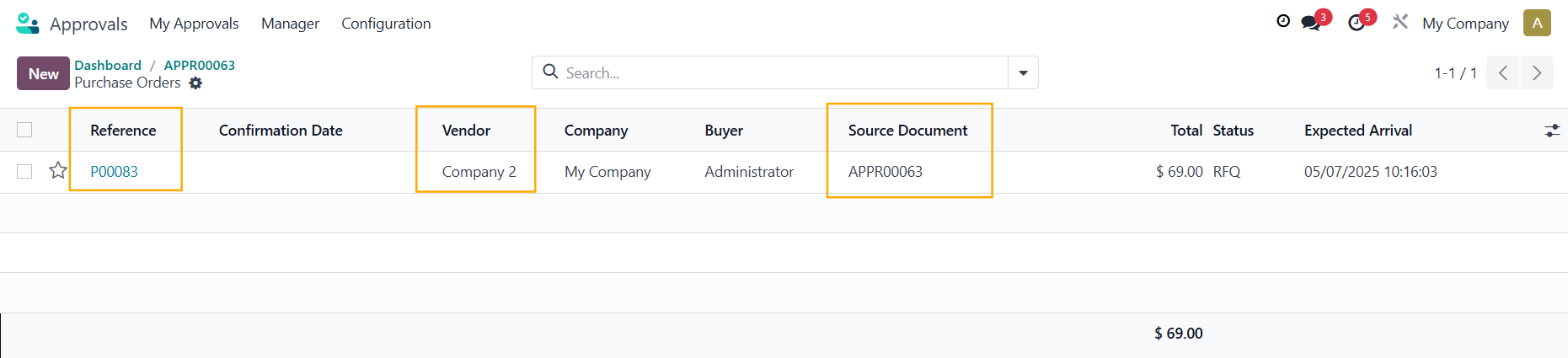 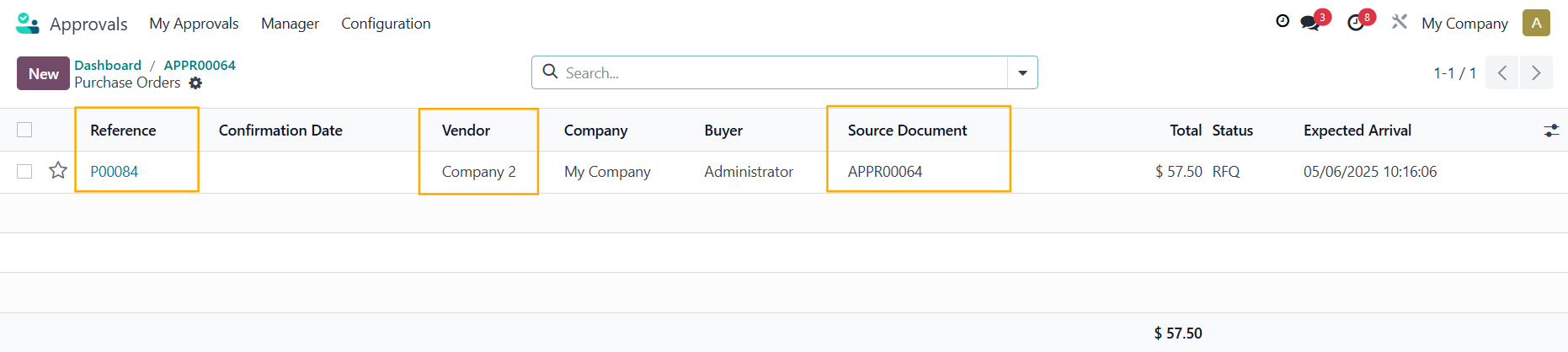 |
DESCRIPTION AND VENDOR PROPAGATION1. Go to the Product Category and choose No line grouping in Procured Purchase Grouping |
|
2. Go to Approvals > New Request > Add the same product in different lines with different Descriptions, also select a Vendor here (can be different than the one you set in product form) > Submit |
|
3. After the Approver approves the requests and Create RFQ's > The Descriptions and the Vendor will be propagated to the RFQ, keeping the original ones from the approvals |
|