



ODOO'S FUNCTION
In Odoo POS, after validating a payment, it is not possible to select or change the customer on the order. If a customer was not assigned before payment validation, the system does not allow you to choose one afterward. The only available option to send the receipt by email is to manually enter the customer's email address at the receipt screen. There is no link to an existing contact once the payment is confirmed.
CLUEDOO'S FUNCTION
CLuedoo allows users to select or modify the customer even after the POS payment has been validated. Instead of manually entering an email address, users can directly choose an existing customer from the contact list. The system then automatically uses the customer's stored email to send the receipt, improving accuracy, saving time, and ensuring proper linkage between the POS order and the customer record.
1. Go to Point of Sales > Continue Selling > Choose the items you want to buy and put items into the order > Payment | 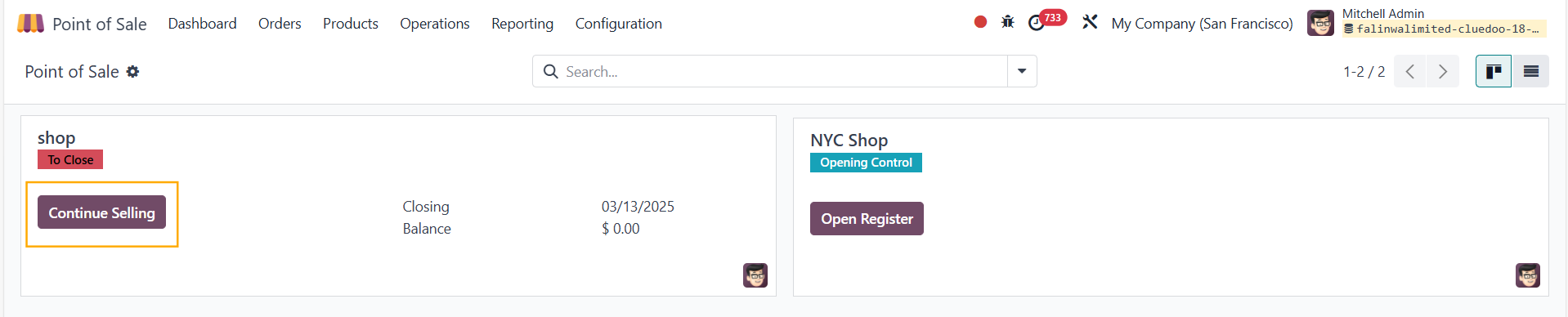 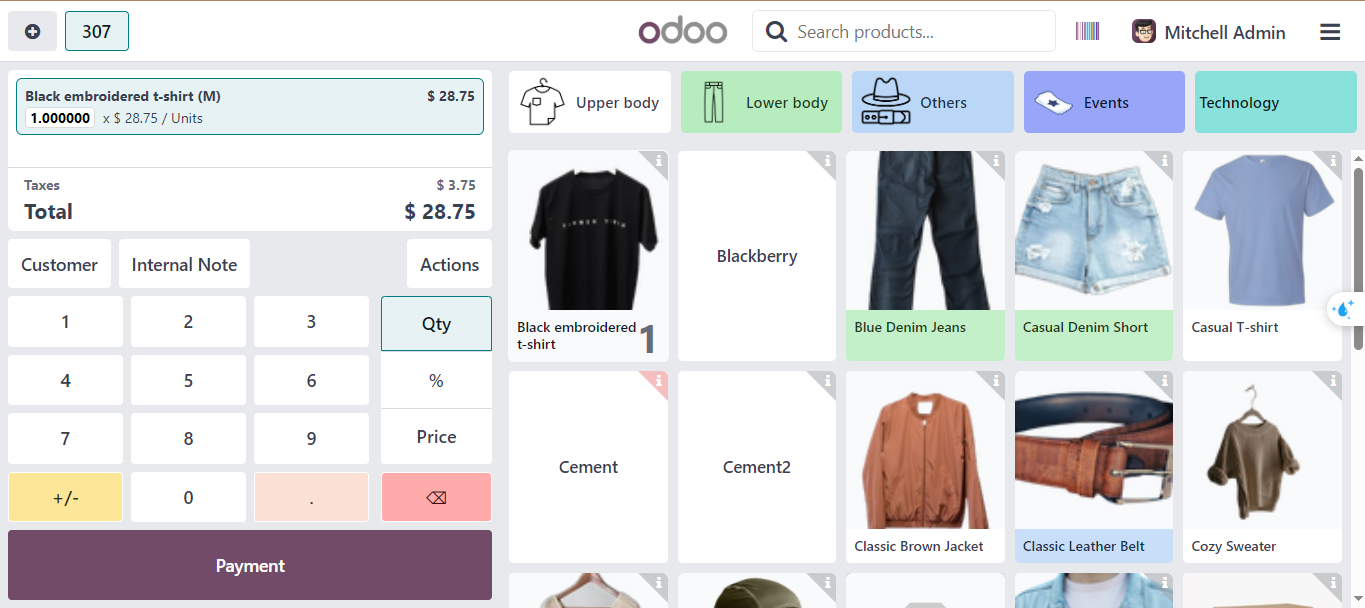 |
2. Choose the Payment Method (Cash/Card) > Validate | 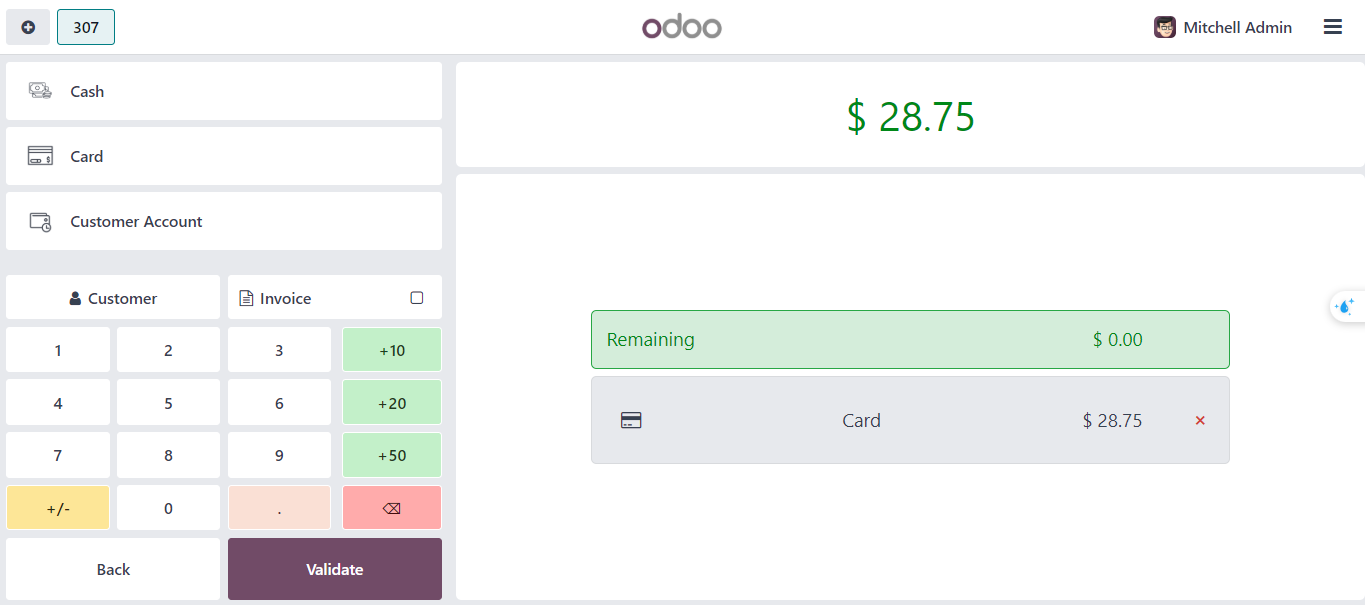 |
3. You can select the partner to whom you want to send the receipt | 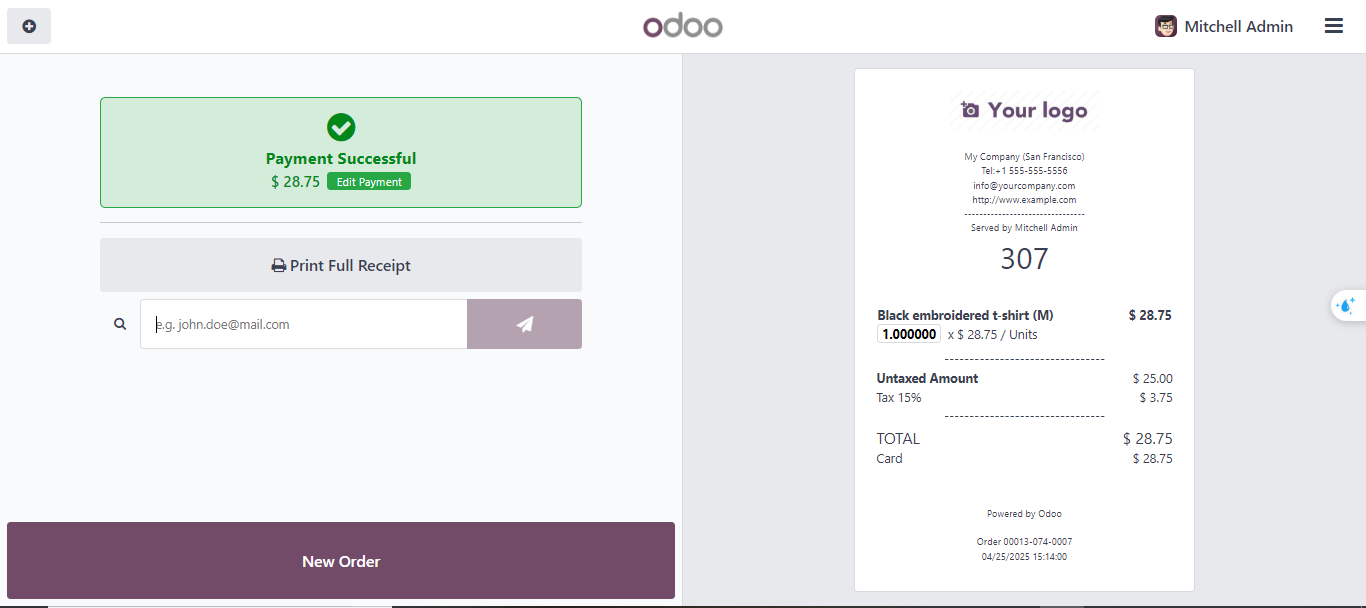 |
4. Click the Search symbol > It will show the list of partners | 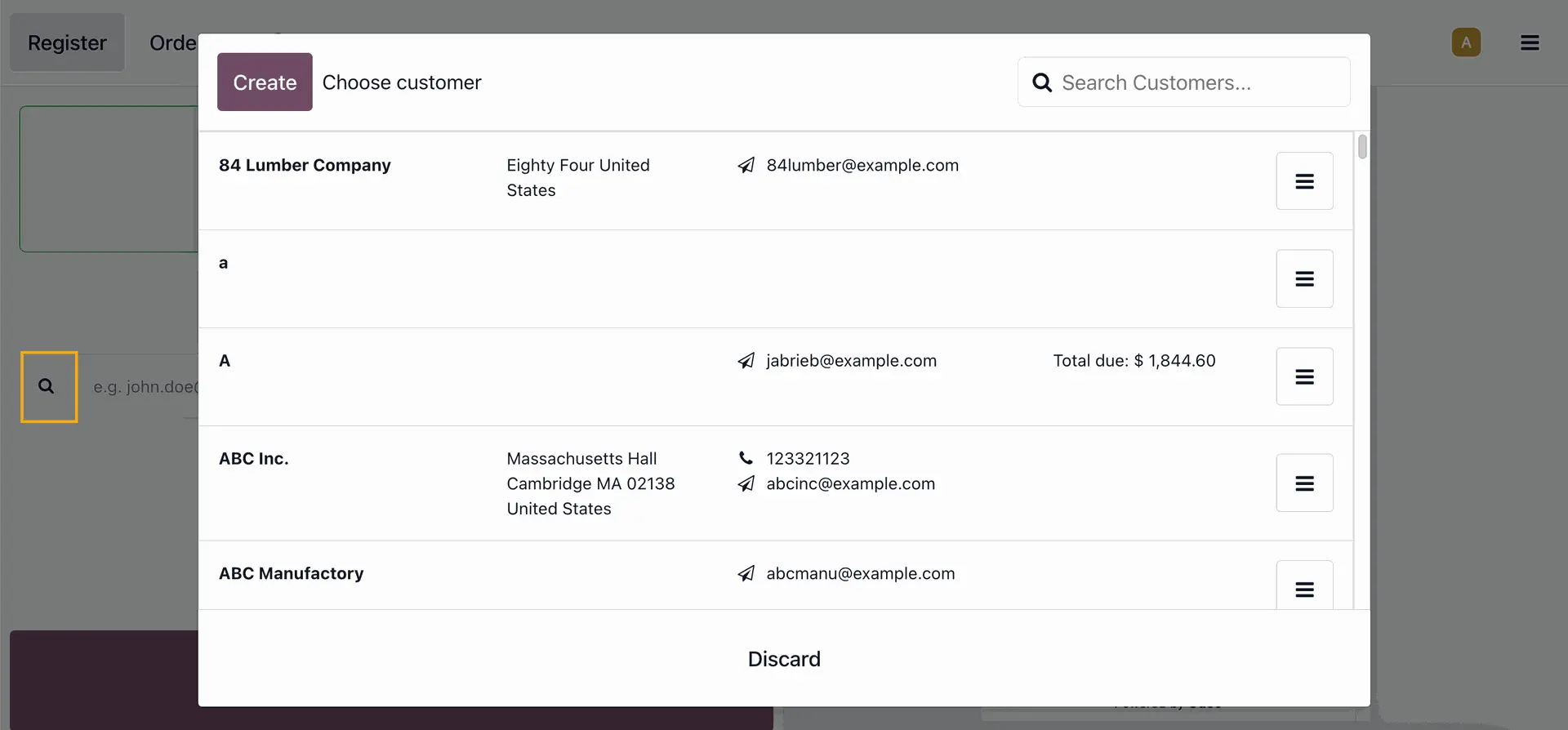 |
5. Choose a partner > it will set the email automatically > Click the Send symbol to send the receipt to the partner's email There will be a message in green: "Email is sent successfully / Receipt sent successfully" | 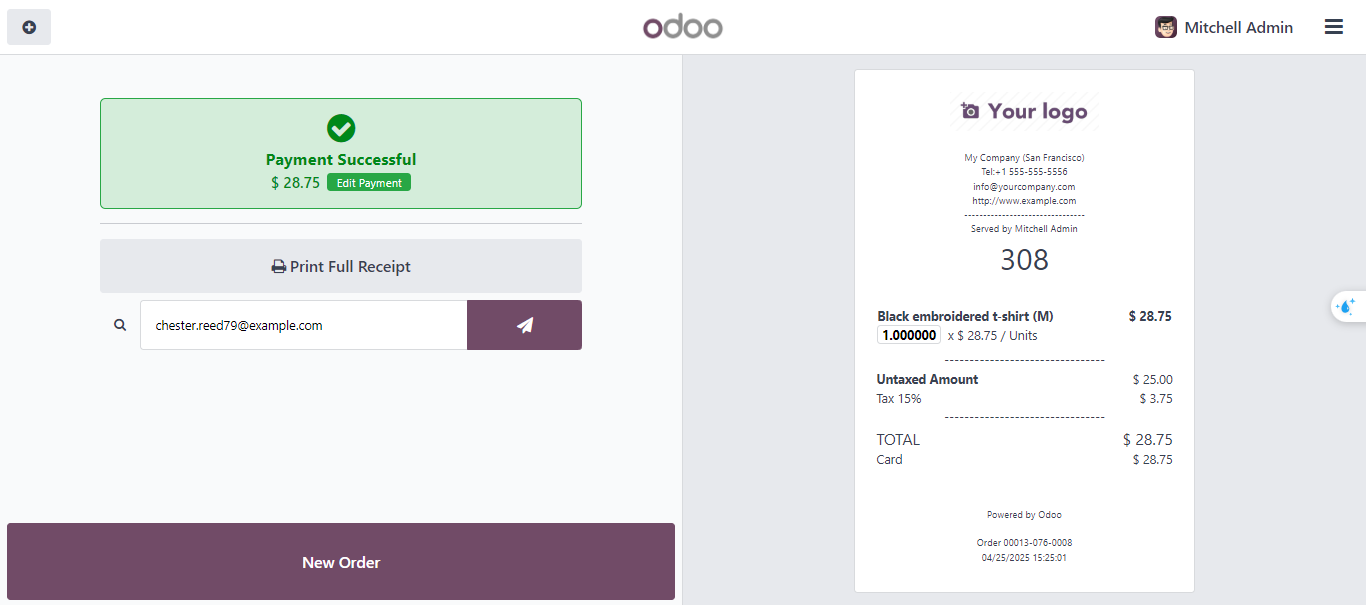 |