



ODOO'S FUNCTION
Odoo provides a Loyalty Program but does not offer the option to view points separated or grouped by customer.
CLUEDOO'S FUNCTION
CLuedoo adds a Loyalty Group feature that allows you to view loyalty point details, with the option to merge or separate them by customer and the related sales orders.
Go to the Sales module. | 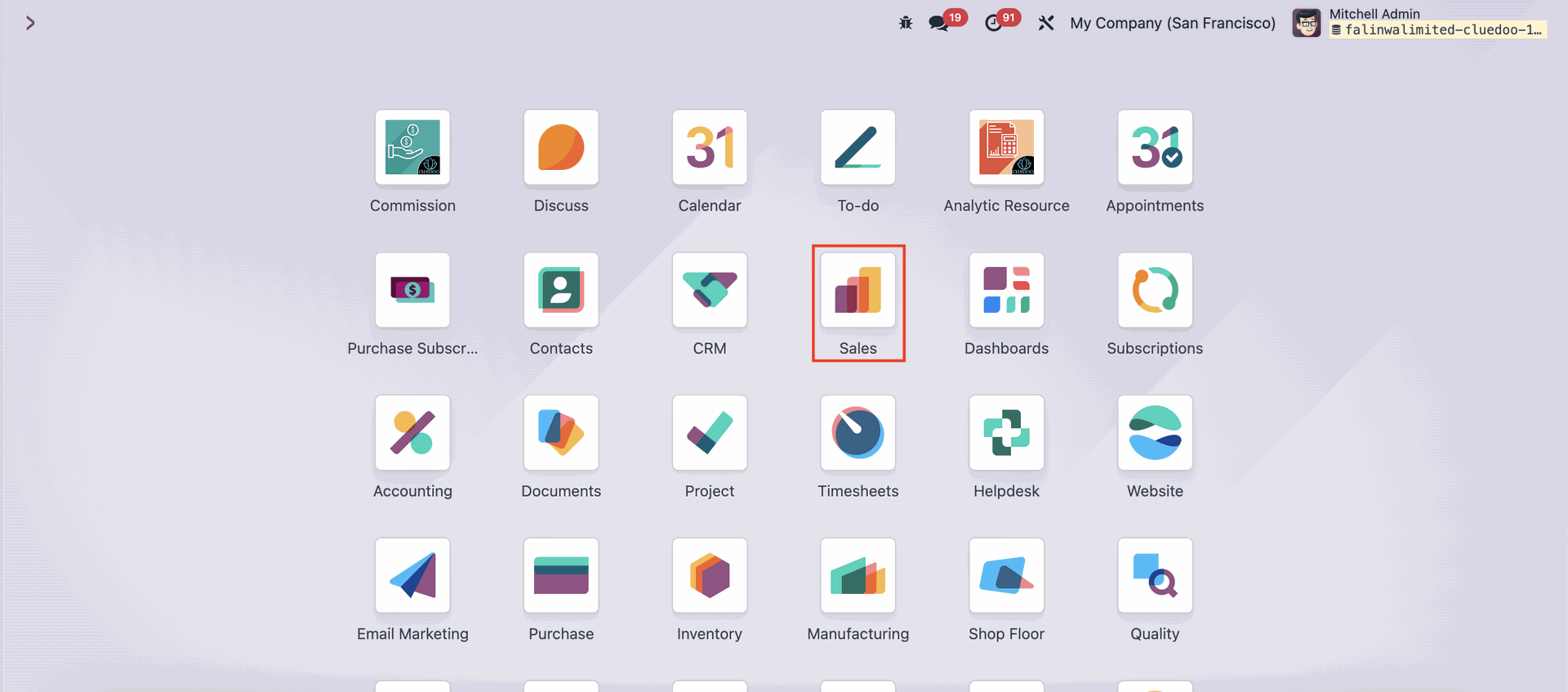 |
Reach for the 'Products' menu on the upper side of the page, and click 'Discount & Loyalty'. | 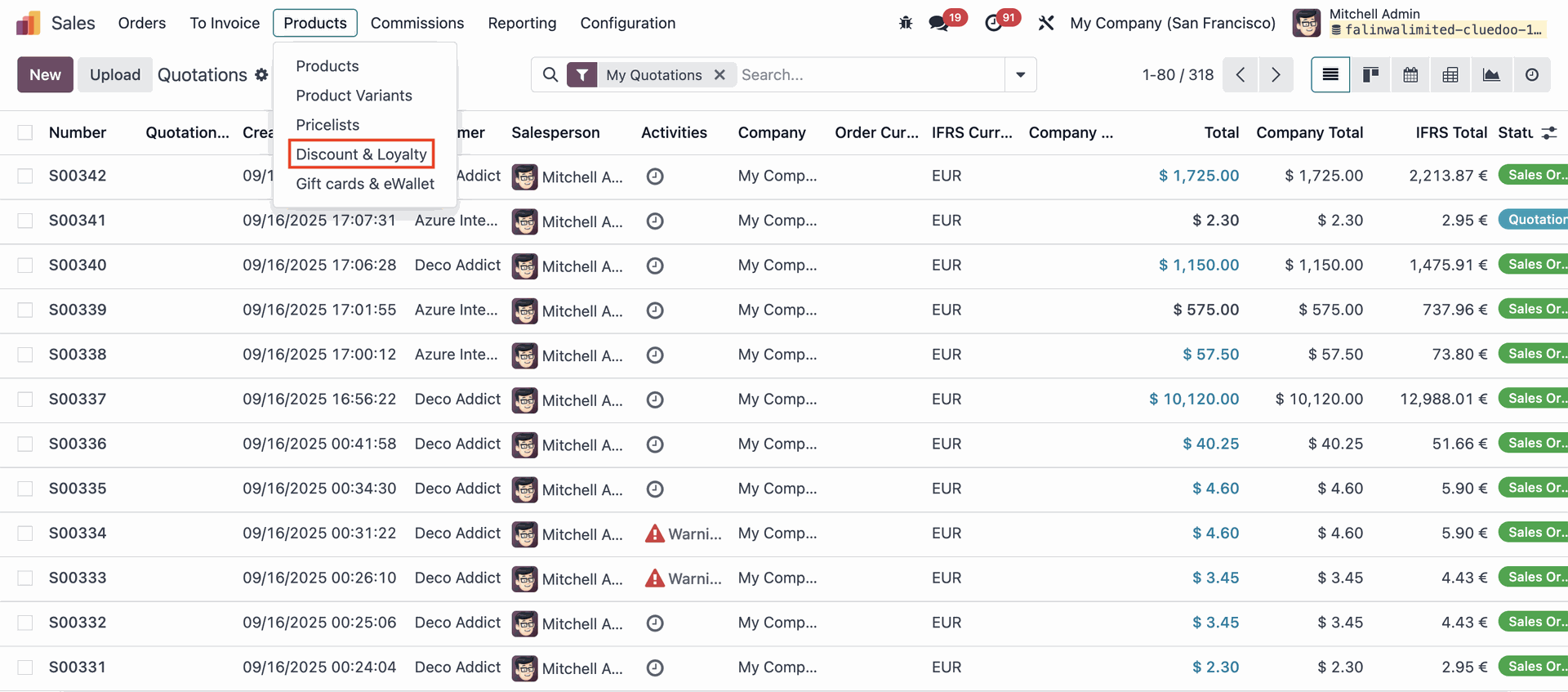 |
Click on the 'New' button. | 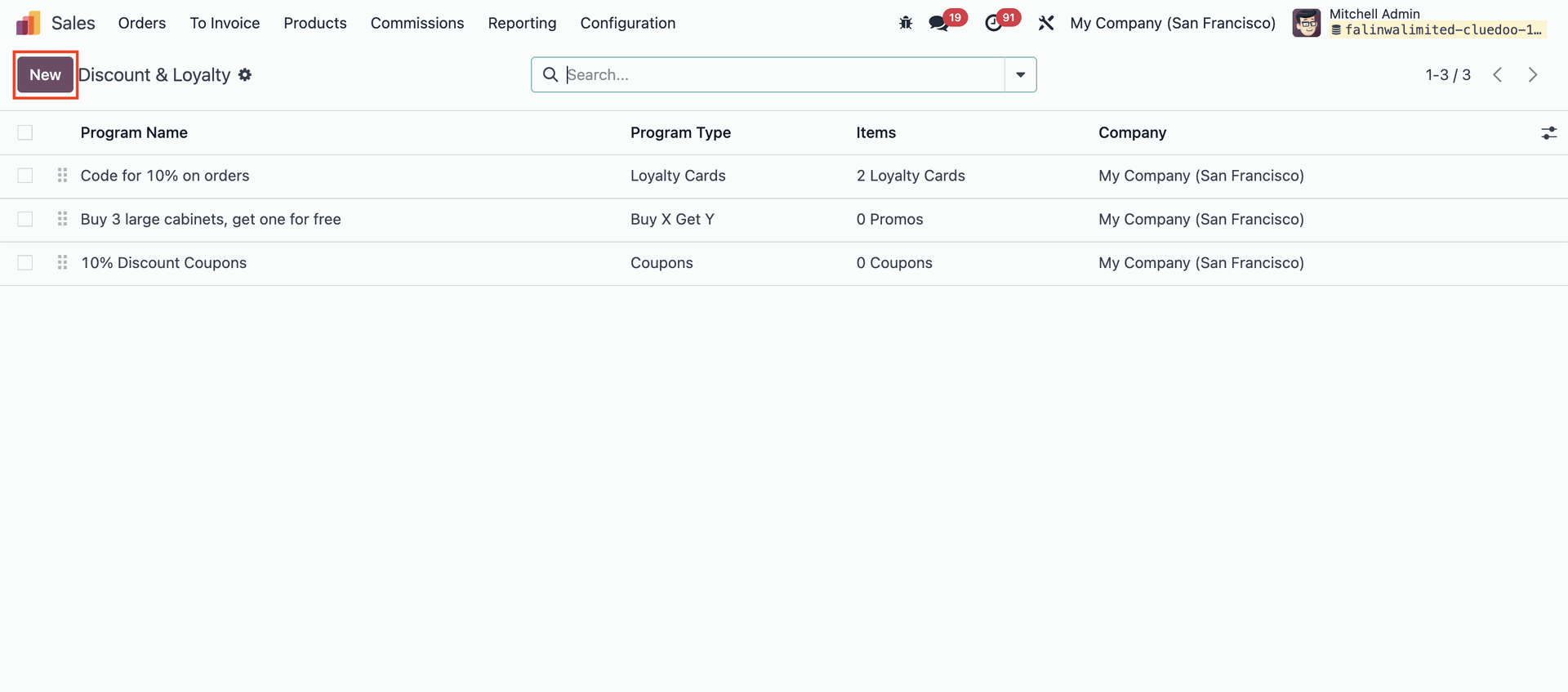 |
Configure the Loyalty Program by setting the 'Program Type' field to 'Loyalty Cards', then choose 'Merge Loyalty' or 'Split Loyalty' in the 'Selection for Loyalty Option' field, depending on whether you prefer the points to be merged across sales orders or displayed separately for each sales order. | 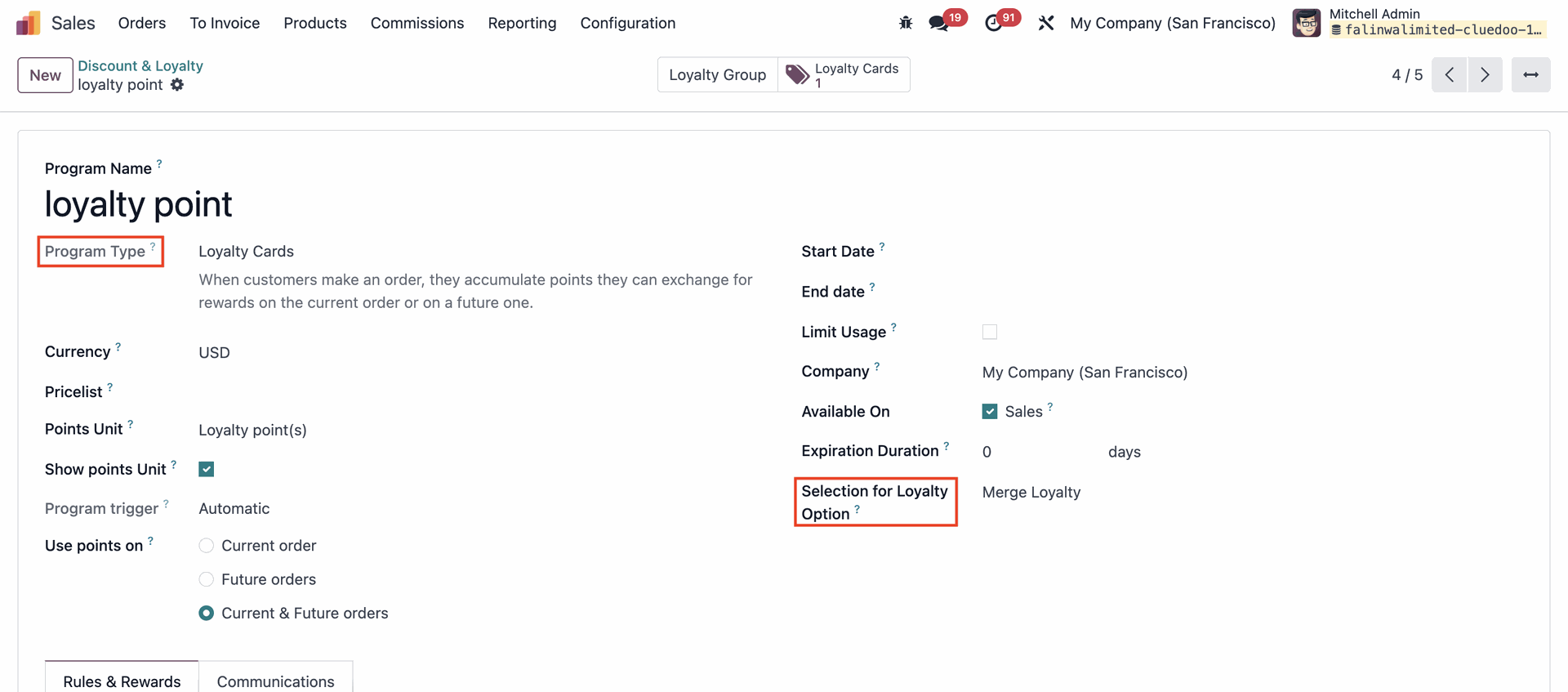 |
Create two Sales Order with the same customer. Example given, Azure Interior. | 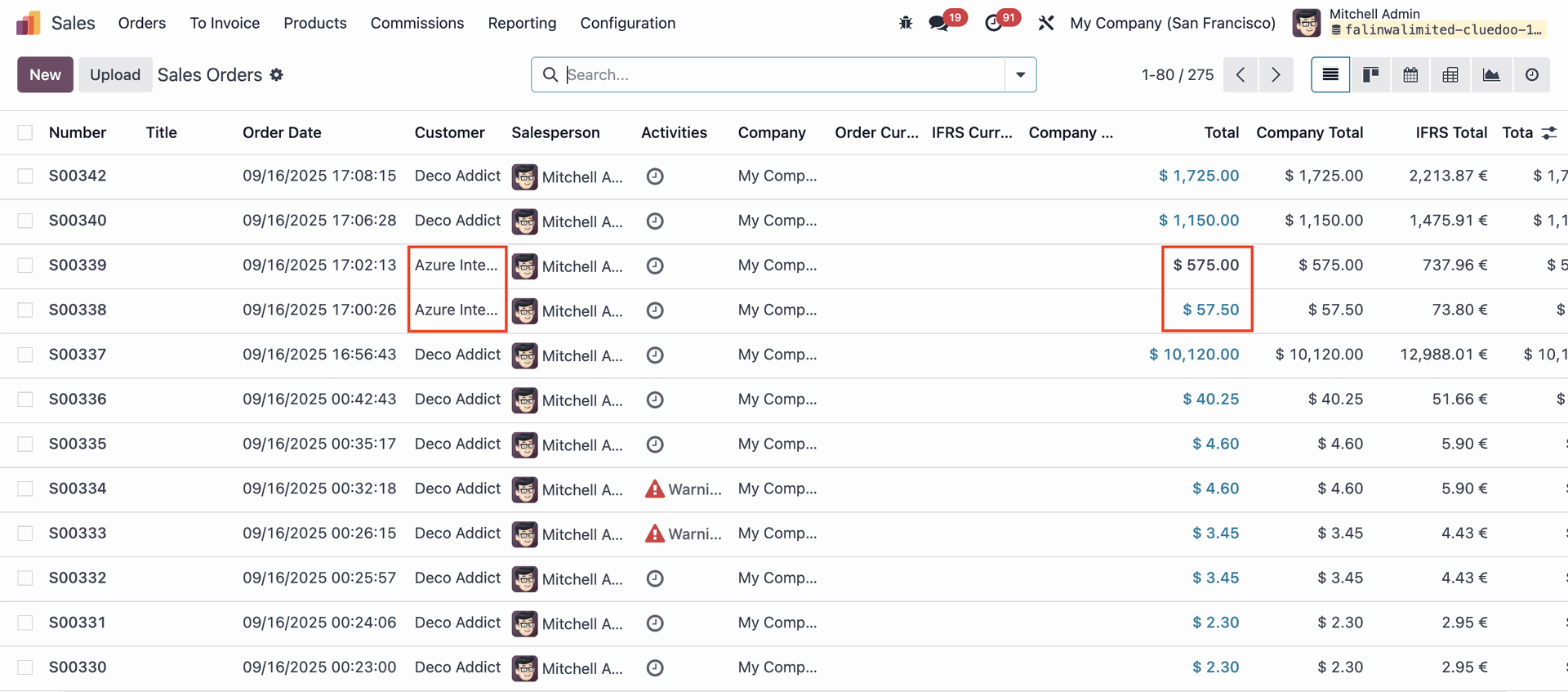 |
To view the Loyalty Points, click the 'Loyalty Cards' smart button. Note that this Loyalty Program is set to the 'Merged' option. | 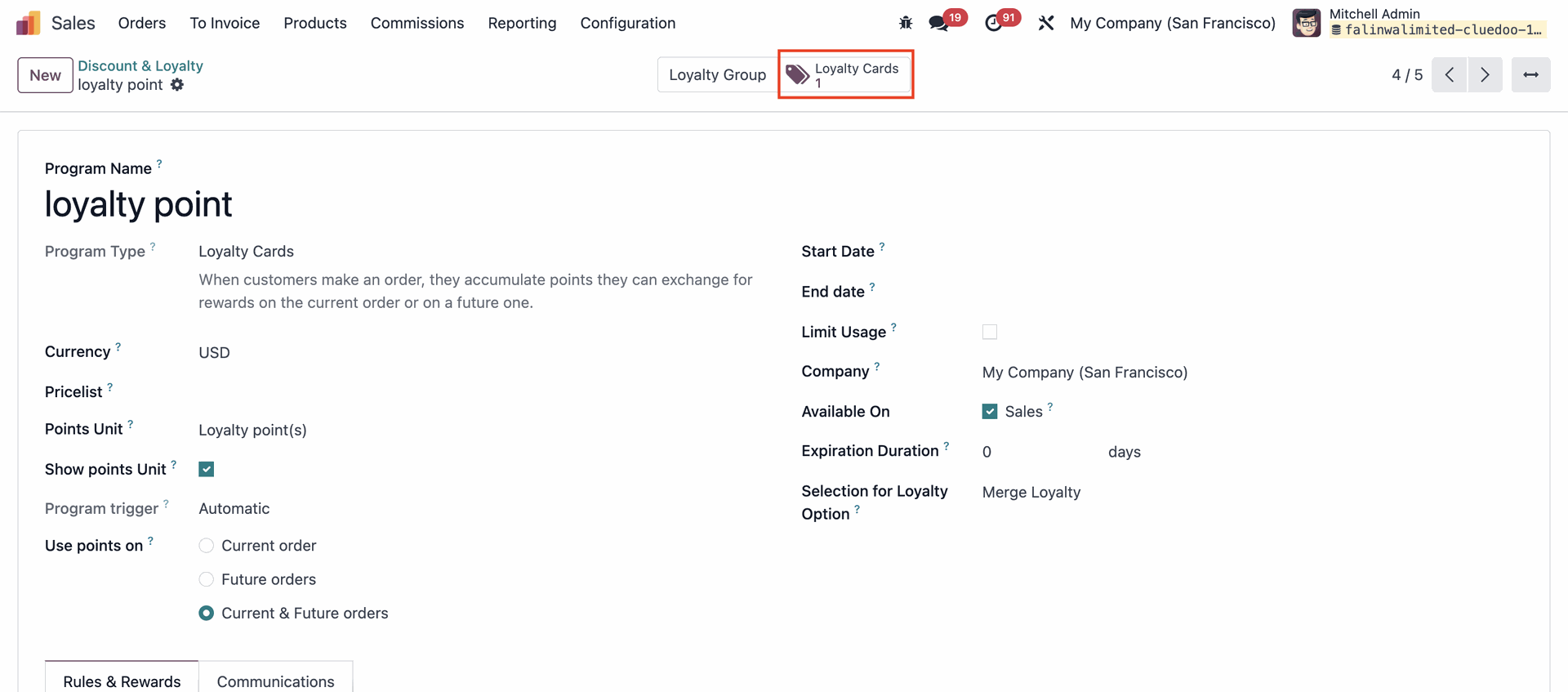 |
The customer’s points are merged into a single line. | 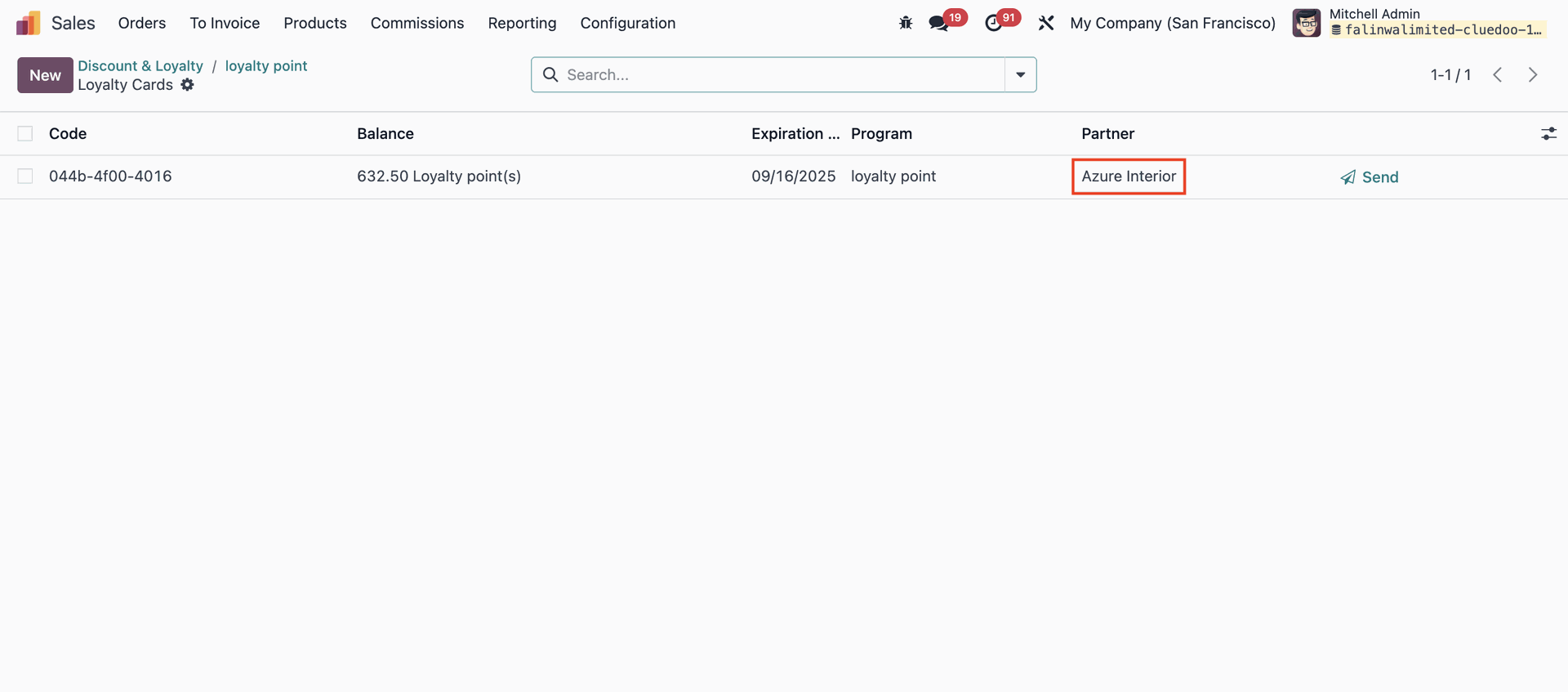 |
Meanwhile, for a Loyalty Program with the 'Split' option activated, the points will be separated by each Sales Order. | 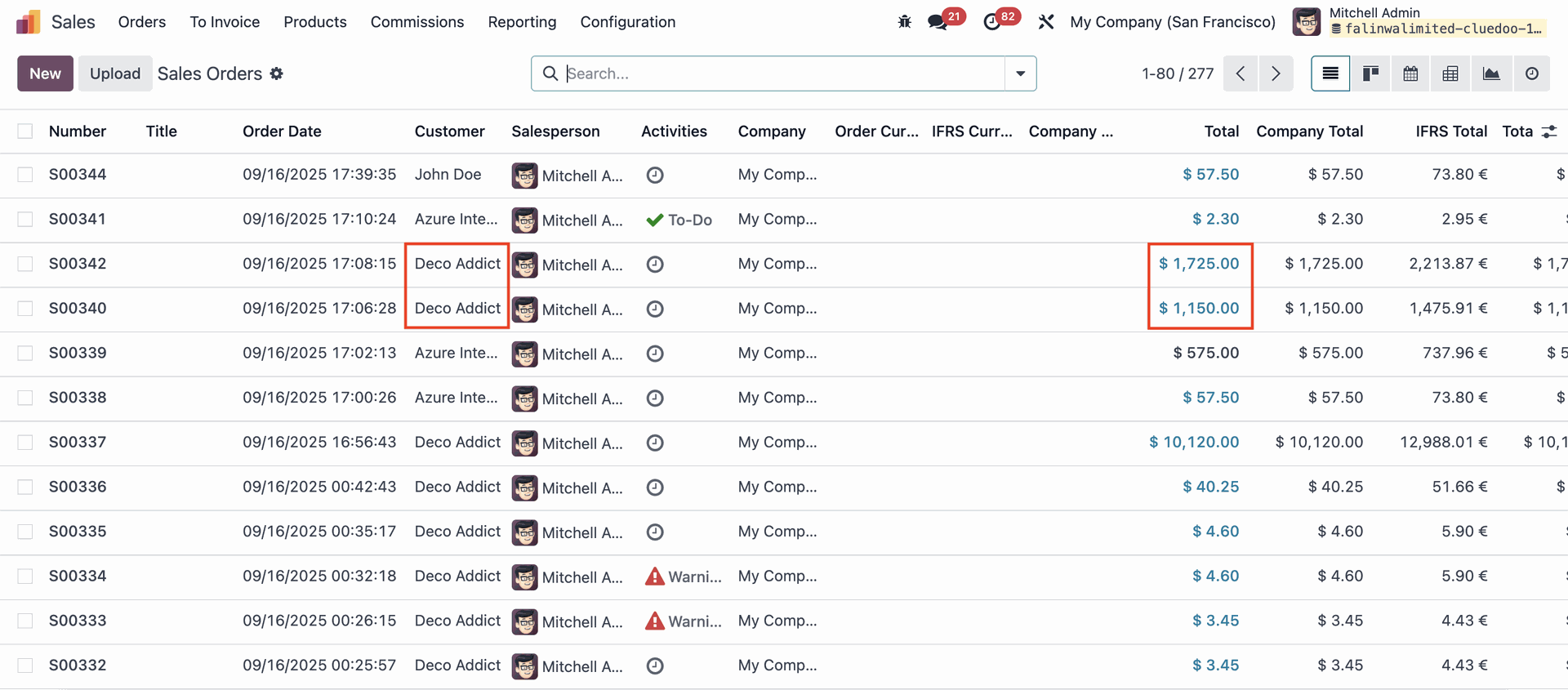 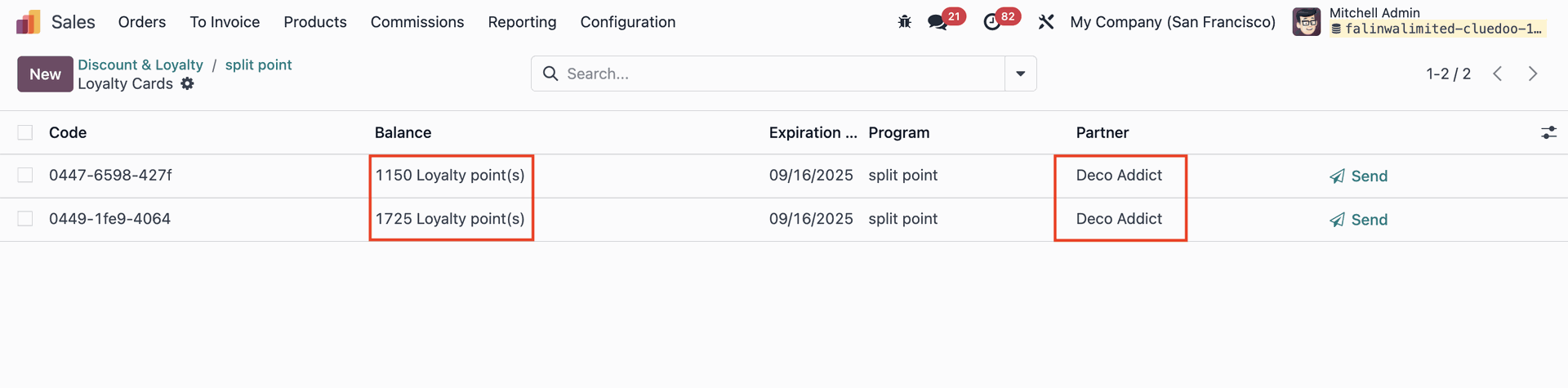 |